

In this guide, we’ll explore what WP Engine’s support includes, why it stands out, and how you can get the most value from it.

Why 24/7 Support Matters
The internet doesn’t sleep, and neither do website problems. A small plugin conflict, a broken update, or a traffic spike can happen any time, day or night.
That’s why 24/7 customer support matters so much. When your website goes down at 3 a.m., you can’t wait until morning. Every minute counts when your business depends on uptime.
Peace of Mind Around the Clock
WP Engine provides constant coverage so you’re never alone. Whether it’s midnight or Sunday morning, a support agent is available.
This round-the-clock availability brings confidence to business owners who can’t afford unexpected downtime or lost leads.
Difference Between Limited and Full-Time Support
Let’s compare:
| Support Model | Availability | Typical Response Time | Reliability for Businesses |
| Limited Support | 9–5 weekdays only | Hours or the next day | Risky for global websites |
| 24/7 Support (WP Engine) | Every day, all hours | Usually instant | Ideal for eCommerce and global sites |
For entrepreneurs, especially those serving international audiences, this difference can make or break a customer’s experience.
You never have to panic when something goes wrong; WP Engine’s experts are always one click away.

Channels of Support
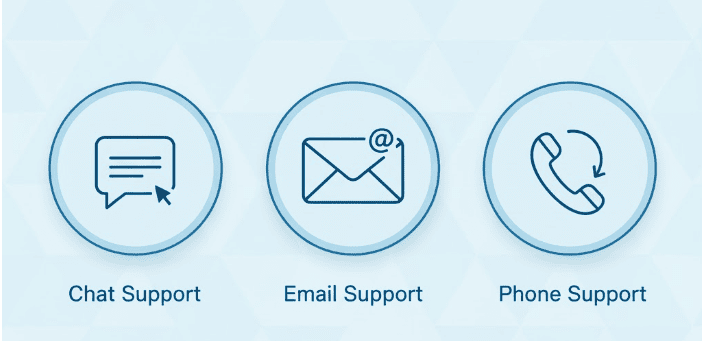
WP Engine offers multiple ways to reach help, so you can choose the one that fits your situation best. Their support system is designed to be accessible, fast, and flexible.
1. Live Chat Support
Live chat is the most popular and effective support channel. It connects you directly with a real WordPress expert in seconds. This option is available 24/7 and ideal for quick troubleshooting.
Agents can:
- Diagnose plugin or theme issues instantly
- Help with website access errors
- Guide you through configuration changes
- Provide step-by-step instructions during live sessions
Live chat is available for all WP Engine plans, making it the go-to for most customers needing immediate help.
2. Email and Ticket System
For more detailed or complex issues, the email/ticket system works best. You can describe your issue in detail, attach screenshots, and allow the support team to investigate thoroughly.
Tickets are typically used for:
- Persistent errors or recurring problems
- Billing or account-related questions
- Complex migrations or setup configurations
Response times vary depending on issue severity, but WP Engine aims to reply within a few hours on standard plans.
3. Dedicated Expert Support (Premium Plans)
Businesses using Growth, Scale, or Enterprise plans get access to advanced support options, including priority handling.
Enterprise customers may also have a dedicated account manager who provides hands-on technical guidance and performance reviews.
That means faster resolutions, proactive monitoring, and ongoing advice.
What You Can Expect From Support Agents
WP Engine’s support team isn’t a basic call center. It’s made up of WordPress professionals who understand the platform deeply. Their training goes beyond general hosting; they specialize in WordPress itself.
When you contact WP Engine, you’re not speaking to someone reading from a script. You’re dealing with experienced technicians who can pinpoint issues instantly.
Here’s What They Help With
| Support Area | What They Do |
| Site Migration | Help you move your site securely from another host |
| Plugin Conflicts | Identify and resolve compatibility or code issues |
| Security Fixes | Scan and remove malware, enforce SSL, and tighten protection |
| Performance Optimization | Improve speed, caching, and CDN integration |
| Server Troubleshooting | Fix errors, downtime, and configuration issues |
Beyond Basic Hosting Support
Most web hosts limit help to server-related problems. WP Engine goes further; their team assists with WordPress themes, plugins, and site health.
For example, if your website suddenly loads slowly, they won’t just say “check your plugins.” They’ll actually investigate which plugin is causing it and suggest solutions.
This WordPress-first approach makes WP Engine stand apart from general hosting providers.

Average Response Times and Availability
Speed matters just as much in support as it does in performance. WP Engine has designed its support operations to respond fast, usually within minutes.
Live Chat Speed
Most users report near-instant responses during business hours. Even during high-traffic periods, wait times rarely exceed a few minutes. The support dashboard shows real-time availability before you even start a chat.
Email and Ticket Responses
Tickets often receive replies within 1–4 hours, depending on the issue. More complex technical investigations may take longer, but updates are sent regularly until the issue is fully resolved.
Enterprise-Level Speed
Premium and Enterprise users get priority queues and dedicated managers. This ensures top-tier clients receive near-immediate responses for mission-critical problems like downtime or security breaches.
Transparency and Tracking
WP Engine maintains a live status page showing:
- System health
- Maintenance schedules
- Real-time support response times
You always know what’s happening behind the scenes; no guessing or waiting in the dark.

Knowledge Base and Self-Help Resources
Sometimes you don’t need to wait for help; you can fix things yourself. WP Engine makes this easy with its comprehensive knowledge base.
The platform offers hundreds of detailed articles, step-by-step guides, and video tutorials covering everything from setup to advanced optimization.
When to Use the Knowledge Base
You can often find instant answers for:
- Domain setup and DNS configuration
- SSL certificate installation
- Plugin management and compatibility
- Troubleshooting common WordPress errors
The articles are written clearly, with screenshots and plain explanations.
Community Resources
WP Engine also supports an active community forum where users share solutions and best practices.
Many site owners prefer to check there first before opening a ticket. It’s a smart way to learn from others while solving issues faster.
Pro Tip
Bookmark the knowledge base. It saves time, reduces dependency on support, and helps you learn essential WordPress skills.

Troubleshooting and Proactive Monitoring
Support isn’t only about reacting; it’s about preventing issues before they start. That’s another area where WP Engine excels.
Proactive Monitoring
WP Engine continuously monitors every hosted website for irregularities. If performance drops or suspicious activity is detected, the system alerts both the customer and the internal team instantly. This early detection prevents potential downtime and hacking attempts.
Real-Time Security Alerts
The platform uses automated systems to flag malware, unusual logins, and code injections before they cause real damage. If a security issue appears, WP Engine’s security specialists intervene immediately.

Troubleshooting Support
Even if your site isn’t down, you can contact support for optimization advice. They help you:
- Identify slow-loading pages
- Optimize cache and database performance
- Adjust server configurations for heavy traffic
This kind of preventive and performance-oriented support is rare in the hosting world but standard at WP Engine.

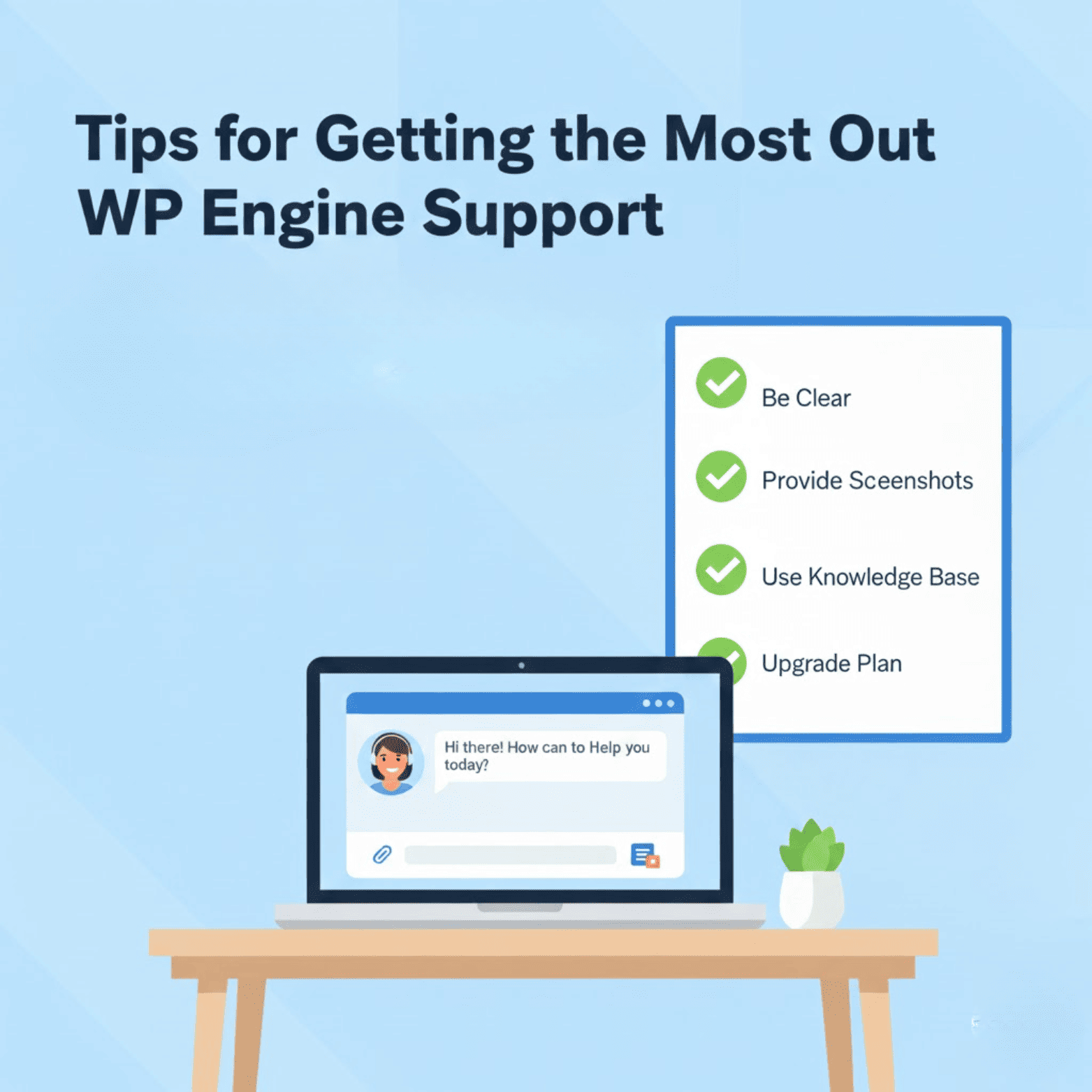
Tips for Getting the Most Out of WP Engine Support
Getting great help also depends on how you communicate. Here are actionable ways to make the most of WP Engine’s support system.
1. Be Clear and Detailed
When describing your problem, include specifics. Mention what you did before the issue occurred, what you expected, and what happened instead.
A vague message like “my site is broken” can delay troubleshooting. A better one might be:
“My homepage displays an error after updating Plugin X to version 2.5.”
2. Provide Screenshots or Logs
Visuals help support agents understand faster. Use tools like Lightshot or built-in snipping tools to capture errors. For backend issues, copy the full error message or include server logs.
3. Use the Knowledge Base First
Search WP Engine’s documentation before starting a chat. You’ll often find that a short article solves your problem immediately. If not, you’ll have a better context when reaching out to support.
4. Prioritize Urgency
Use live chat for urgent matters like site downtime. Reserve tickets for less pressing issues, such as billing inquiries. This helps the support team prioritize responses effectively.
5. Upgrade for Dedicated Support
If you frequently run multiple or complex websites, consider upgrading to a Growth or Scale plan. These tiers include advanced technical support and faster response times.
Having a dedicated account manager can also make a huge difference for businesses managing large e-commerce or high-traffic sites.
Behind the Scenes: How WP Engine Trains Its Support Team
The quality of support depends on who’s providing it. WP Engine invests heavily in training and internal systems to ensure excellence.
Expert-Level Training
Every support agent undergoes specialized WordPress certification. They learn about:
- Core WordPress architecture
- Server performance and caching
- Security best practices
- Plugin and theme troubleshooting
This training ensures that every conversation with a customer adds real value.
Continuous Skill Development
Support isn’t static. WP Engine continuously updates its staff training as new technologies and WordPress updates roll out.
Agents attend internal workshops and certification programs regularly, so their advice stays current and technically accurate.
Customer Satisfaction Focus
Support quality is measured using real customer feedback. Each interaction is rated, and WP Engine monitors satisfaction scores closely. Such a data-driven approach ensures consistency and accountability.
How WP Engine’s Support Compares to Competitors
Many hosting companies advertise 24/7 support, but not all deliver the same level of expertise or speed. Here’s how WP Engine stacks up against popular alternatives:
| Hosting Provider | Support Availability | WordPress Expertise | Response Speed | Knowledge Resources |
| WP Engine | 24/7/365 | Deep WordPress focus | Instant (chat) | Extensive knowledge base |
| Bluehost | 24/7 | General hosting agents | Moderate | Decent guides |
| SiteGround | 24/7 | WordPress friendly | Good | Good documentation |
| GoDaddy | 24/7 | Mixed expertise | Slow during peak | Basic help center |
WP Engine stands out for combining both speed and specialization. Their team doesn’t just know servers; they know WordPress inside out.
User Feedback and Real Experiences
Thousands of users praise WP Engine’s support quality. Here’s a summary of what real customers highlight:
Positive Experiences:
- “Quick, clear, and friendly; they solved my issue in minutes.”
- “Love the live chat feature. I get help even at 2 a.m.”
- “They went above and beyond during a major migration.”
Constructive Feedback:
Some users on entry-level plans note longer response times for complex tickets. But overall satisfaction scores remain among the highest in the hosting industry.
Independent review platforms like Trustpilot and G2 consistently rank WP Engine’s support as one of the top reasons customers stay with the company long-term.
Conclusion
Great hosting is more than fast servers; it’s reliable, human support. WP Engine delivers exactly that with its 24/7 WordPress-focused assistance.
Let’s recap what you can expect:
- 24/7 Availability: Always-on help, day or night.
- Multiple Channels: Live chat, email, and dedicated expert support.
- Skilled Agents: Real WordPress experts trained to handle complex issues.
- Fast Response Times: Immediate help for live chat and priority tickets.
- Self-Help Resources: Guides, tutorials, and a detailed knowledge base.
- Proactive Monitoring: Early detection and prevention of downtime or attacks.
- Customer Care: Friendly, solution-oriented assistance that feels personal.
With WP Engine, you’re never left waiting or guessing. You get instant access to a team that understands your tools, goals, and challenges.
For businesses running WordPress at any scale, this kind of dependable support isn’t a luxury; it’s a necessity.
WP Engine’s 24/7 support doesn’t just fix problems; it empowers you to grow confidently, knowing experts have your back, always.