Kartra Review: Can One Tool Really Run Your Whole Online Business?

If you run an online business, you probably know this feeling.

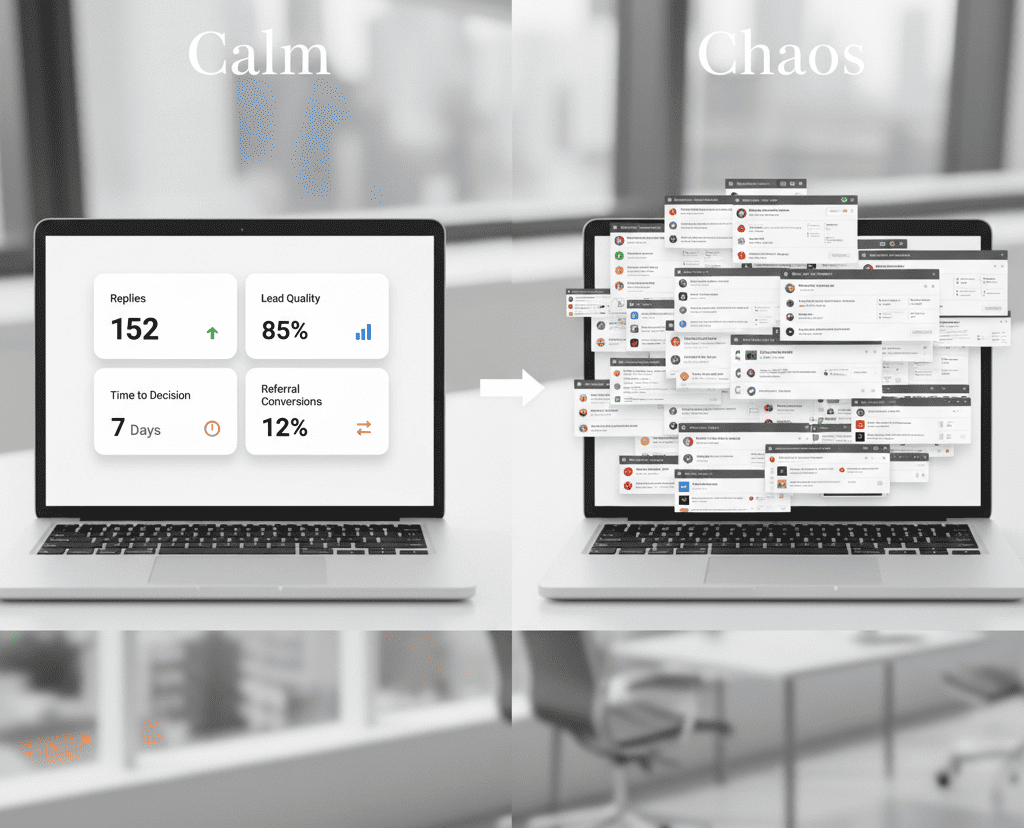
You open your laptop and end up with ten tabs. One for pages. One for email. One for checkout. One for course hosting. One for calendars. One for analytics. And somehow, none of them talks to the others the way you want.

Download Your Free e-Book

5 Simple Ways to Create Website & Landing Pages

Affiliate Disclaimer: I earn commission (get paid) if you click on the links and purchase a product below. My earnings do not impact the price you pay.

Kartra exists because a lot of business owners want one connected system instead of a stack of tools that needs constant babysitting. Kartra is an all-in-one platform that can replace many tools in one dashboard.
Here is what Kartra actually is

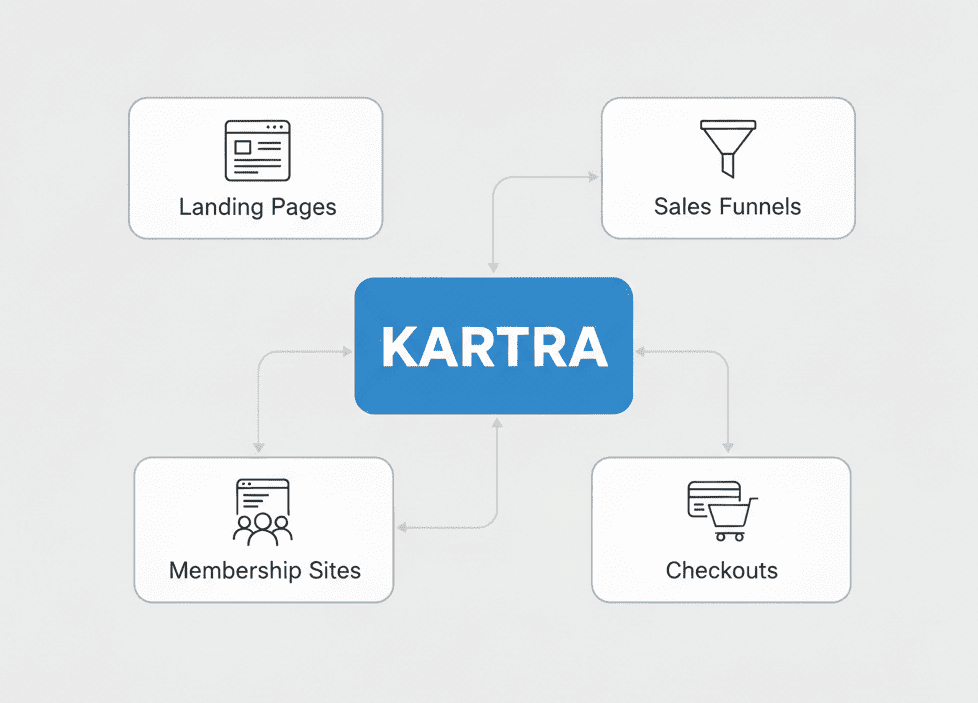
Kartra is a single platform that combines key parts of an online business system. Pages, funnels, email, checkouts, memberships, calendars, video hosting, affiliate management, and analytics live under one roof. 

That matters because the best part of an all-in-one tool is not that it has lots of features. The best part is that actions connect.

When someone signs up on a page, Kartra can tag them, email them, offer them an upsell, grant them membership access, and track what they do next, without you stitching tools together.

What Kartra can replace, so you know what you stop paying for

This is where Kartra can make financial sense. Not because it is cheap, but because it can reduce a pile of subscriptions.

Kartra lists the types of platforms it aims to cover, including email marketing, automation funnels, page builders, membership portals, checkouts, form builders, split testing, calendars, helpdesk, video hosting, affiliate management, and analytics. 

Here is a simple table to help you think about it.

Business need

What you normally use

What Kartra includes

Landing pages and funnels

Page builder plus funnel tool

Pages, funnels, and campaigns

Email and automation

Email platform plus automations

Built-in email system and automation

Payments and checkout

Cart and payment pages

Built-in checkouts and selling flows

Courses and memberships

Course hosting platform

Membership and course portals

Appointments

Scheduling tool

Calendars

Support

Helpdesk tool

Helpdesk and live chat on the higher plan

Affiliates

Affiliate software

Affiliate management

Video hosting

Video host

Video hosting and video marketing features

If you already pay for three to six separate tools in these categories, it is worth looking at Kartra, even if you do not use every feature on day one.

Kartra’s True Strength in Daily Use

A review should be practical, so let me focus on the parts that usually matter most.

Pages and funnels feel like the core

Kartra is built around funnels and campaigns. You can create landing pages, connect steps, and track the path from opt-in to sale. 

What I like about this approach is that you do not have to “integrate” the important stuff. The page, the form, the tagging, and the email automation live in the same system.

  • Speed
    You build a simple funnel without extra setup between tools.
  • Connection
    Tags and follow-ups are triggered based on what people do.
  • Consistency
    The same data follows the lead through the journey.

Selling digital products, offers, and access

Kartra includes checkouts and selling flows, plus membership and course portals. 

If you sell coaching, a course, a membership, or a digital product, this is where the all-in-one system can feel like a relief.

  • Checkout
    You can take payments through a checkout page inside Kartra. 
  • Access control
    When someone buys, Kartra can grant access to a membership or course automatically. 

Pricing and plans to help you pick the right level

Kartra has four paid tiers: Essentials, Starter, Growth, and Professional, plus a free trial. 

Here is the part most people miss.

The cheapest plan often has limits that can block growth or add costs through transaction fees.

Based on Kartra’s plans:

  • Essentials – $52/mo
    Includes 500 contacts, 10,000 emails per month, 1 custom domain, and charges 5% transaction fees.

  • Starter – $99/mo
    Includes 2,500 contacts, unlimited email and SMS, 0% transaction fees, 1 custom domain, and unlocks unlimited pages, products, and memberships.

  • Growth – $189/mo
    Includes 12,500 contacts, 0% transaction fees, 3 custom domains, webinars up to 300 attendees, affiliate management, helpdesk, and advanced automations.

  • Professional – $429/mo
    Includes 25,000 contacts, real-time funnel analytics, 5 custom domains, and a help desk live chat.

What I like about Kartra, and what can frustrate you

The parts I like

  • Connected system
    Pages, email, checkout, and memberships talk to each other, so you spend less time on tech glue.

  • One login for the business engine
    When you run offers and campaigns, it helps to have one center.

  • Built-in email delivery
    KartraMail powers email delivery without a separate SMTP service.

  • Clear push toward deliverability best practices
    Required DKIM and warnings about unverified domains reduce mistakes that hurt reputation.

  • Scales by plan
    You can start small and move up as contacts and needs grow.

The parts that can frustrate you

  • You must handle email authentication
    If you never touched DNS before, DKIM and domain setup can feel annoying at first. It is still worth it.

  • Plan limits can force upgrades
    Contacts and domains are the big ones.

Download Your Free e-Book

Strategies For

E-Commerce Success 

Who Benefits Most From Kartra

Kartra is a strong fit if you run this type of business

  • Coaching and consulting
    You sell calls, programs, packages, or group coaching, and you want funnels plus email follow-up.

  • Courses and memberships
    You want to host content, take payment, and manage access in one place.

  • Digital products
    You sell templates, trainings, toolkits, or workshops, and you want upsells and automation.

  • Small teams that want one system
    One dashboard matters when time is tight.

My simple setup plan, so you do not waste your first month

If you start Kartra, do not start by building everything.

Start by building one working path from stranger to customer.

Day 1 to Day 2: Set the foundation

  • Domain and email
    Set up your custom domain email and handle authentication, including DKIM.
  • One list and a simple tag system
    Keep it basic. You can refine later.
  • One lead magnet or first offer
    One simple thing to collect leads.

Day 3 to Day 7: Build one funnel that works

  • One landing page
    Clear promise, one call to action.
  • One thank you page
    Set expectations. Tell people what happens next.
  • One email sequence
    Three to five emails are enough to start.
  • One checkout page if you sell something
    Keep it simple, then improve.

Week 2 to Week 4: Add what supports revenue

  • A second funnel
    Only if the first path works.
  • A membership area
    If your offer needs gated content. 
  • A calendar flow
    If you book calls. 

The goal is not a beautiful dashboard. The goal is a working system that brings leads and sales.
So can one tool really run your whole online business?

Here is my honest answer.

Kartra can run most of your online business if your business model is built around funnels, email follow-up, digital products, memberships, and online selling. That is what it was made to do. 

If you want one connected system for the main revenue path, Kartra is a serious option.

Recent Post