Leadpages helps turn ad clicks into real leads and paying customers. It lets you design high-converting landing pages without coding or design skills.
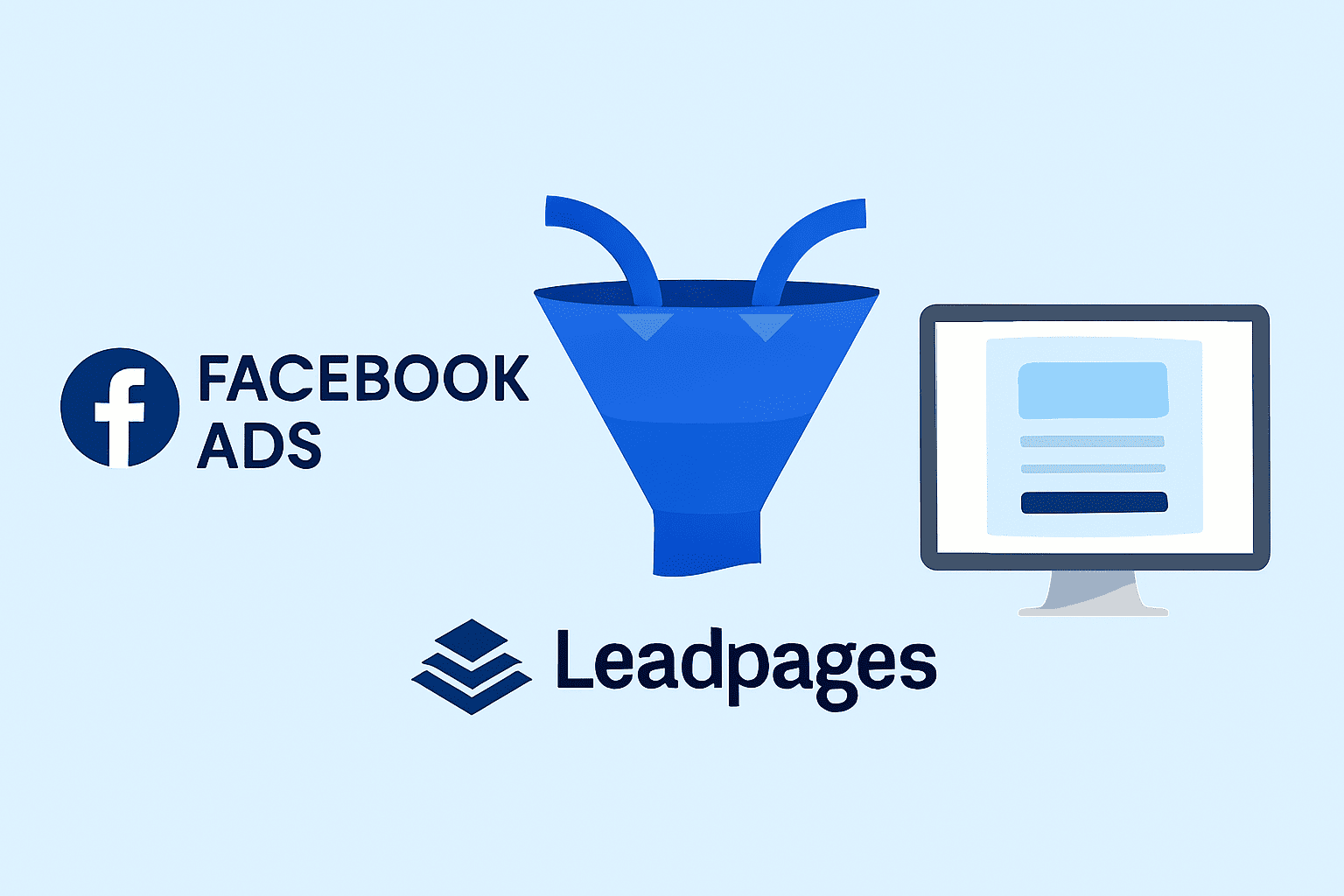
When you connect Facebook Ads with Leadpages, you build a seamless funnel from click to conversion. Through this guide, we will walk you through how to use both tools together.
You’ll learn how to set up ads that attract attention and pages that capture leads. Each step is designed for beginners who want fast, simple results.
After reading it till the end, you’ll know how to create a full ad-to-lead system that actually converts. Let’s dive in and start building your first Facebook + Leadpages funnel.
Why Use Leadpages with Facebook Ads
Facebook Ads are great for driving traffic, but clicks alone don’t convert. You need a dedicated landing page that captures interest and turns visitors into leads. That’s where Leadpages helps you build trust, collect information, and guide users to take action.
Create Professional Landing Pages Quickly
Leadpages offers drag-and-drop tools that make building pages easy. You can launch pages in minutes without coding or design skills.
The platform includes prebuilt templates for lead capture, product launches, and event signups. Just customize colors, fonts, and text to match your brand.
Track Conversions Easily
Leadpages integrates with Facebook Ads to track performance automatically. You’ll see how many visitors click, sign up, or purchase. These insights help you refine your ad targeting and messaging for better results.
Test Different Page Designs with A/B Testing
Not every page layout converts the same way. Leadpages includes built-in A/B testing so you can experiment easily.
Try different headlines, button colors, or images to see what performs best. Testing helps improve results over time and ensures your ads drive maximum value.
Combining Facebook Ads with Leadpages turns paid traffic into measurable results. This helps ensure a professional and consistent look across all campaigns.
You’ll gain full control over how visitors move from clicking your ad to becoming loyal customers; all within one streamlined system.

Step 1: Set Clear Goals for Your Ad Campaign
Before spending on Facebook Ads, know exactly what success looks like. A clear goal helps you design better ads and landing pages.
It also makes tracking performance easier and more meaningful. Here’s how you can stay focused:
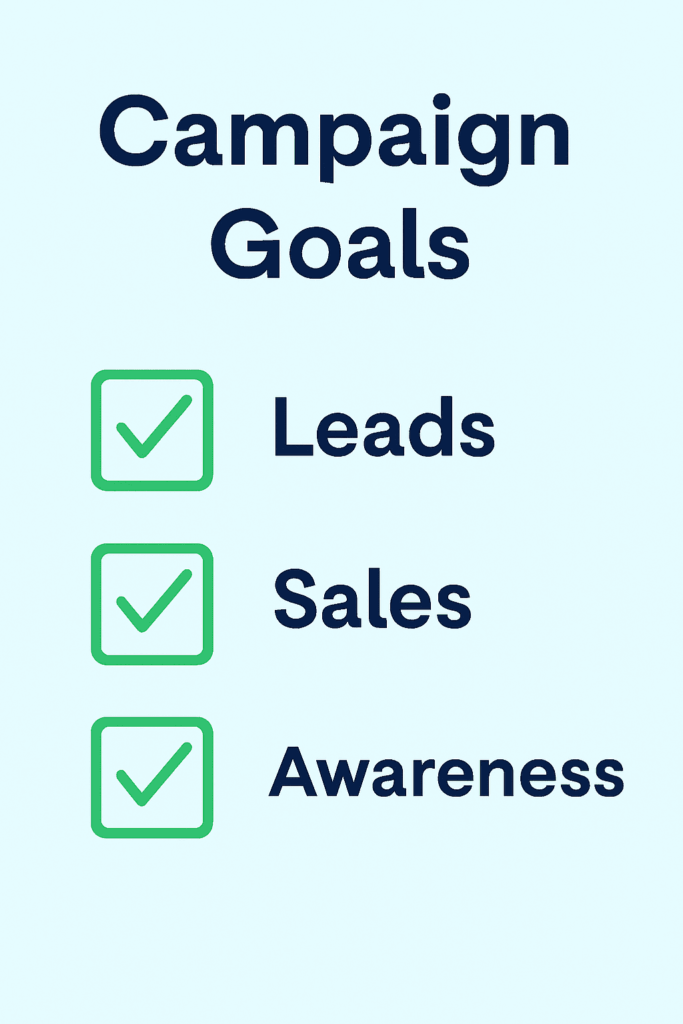
- Pick one main goal per campaign. Don’t mix signups, sales, and awareness in one ad.
- Examples of goals:
- Get email signups for a newsletter or free guide.
- Boost webinar registrations for an upcoming event.
- Drive product sales directly from your landing page.
Each goal requires a different message and call-to-action. When your goal is clear, your ad copy and visuals align perfectly. So, your audience is more likely to click, convert, and stay engaged.
A single, focused objective keeps your campaign simple and measurable, and that’s the key to consistent results.
Step 2: Create a Landing Page in Leadpages
Before running your Facebook Ads, create a dedicated landing page in Leadpages. It connects directly to your campaign goal and helps convert clicks into actions.
Choose the Right Template
Leadpages offers templates designed for leads, events, and sales. Pick one that fits your campaign goal for a strong start.
Customize Your Content
Edit your headline to match your Facebook ad message exactly. Add images or videos that explain your offer clearly.
Keep It Simple and Focused
Use one call-to-action button, like “Sign Up” or “Get Started.” Avoid clutter, and make sure your design looks great on mobile. A consistent, clear landing page improves user experience and drives more conversions.
Step 3: Connect Leadpages with Facebook Ads
After building your landing page, it’s time to connect it with your Facebook Ads. This step ensures every click leads directly to your offer, without confusion or drop-offs. Leadpages makes this process quick and beginner-friendly.
Option 1: Use Leadpages’ Direct Integration
Leadpages offers a built-in integration with Facebook. Simply connect your Facebook account to Leadpages.
Then, publish your landing page directly to your Facebook page or campaign. This saves time and reduces setup errors.
Option 2: Use Your Page Link
If you prefer manual setup, copy your Leadpages page URL. Paste it into your Facebook ad’s “Website URL” field. This sends users straight to your landing page when they click your ad.
Connect the CTA Button
Make sure your ad’s call-to-action button (like “Sign Up” or “Shop Now”) links to your Leadpages page. A seamless path from ad to landing page builds trust and boosts conversions.
Step 4: Match Your Ad and Landing Page Messaging
Consistency between your ad and landing page is crucial. It reassures users they’re in the right place after clicking.
| Element | What to Match | Why It Matters |
| Headline | Same message in ad and page | Builds trust instantly |
| Image Style | Use similar photos or graphics | Creates visual harmony |
| Colors | Match your brand palette | Feels cohesive and professional |
| Tone | Keep your voice casual or formal | Maintains audience connection |
A consistent message improves engagement and conversion rates.
Step 5: Add Facebook Pixel to Leadpages
To get the most from your Facebook Ads, you need accurate tracking. That’s where the Facebook Pixel comes in.
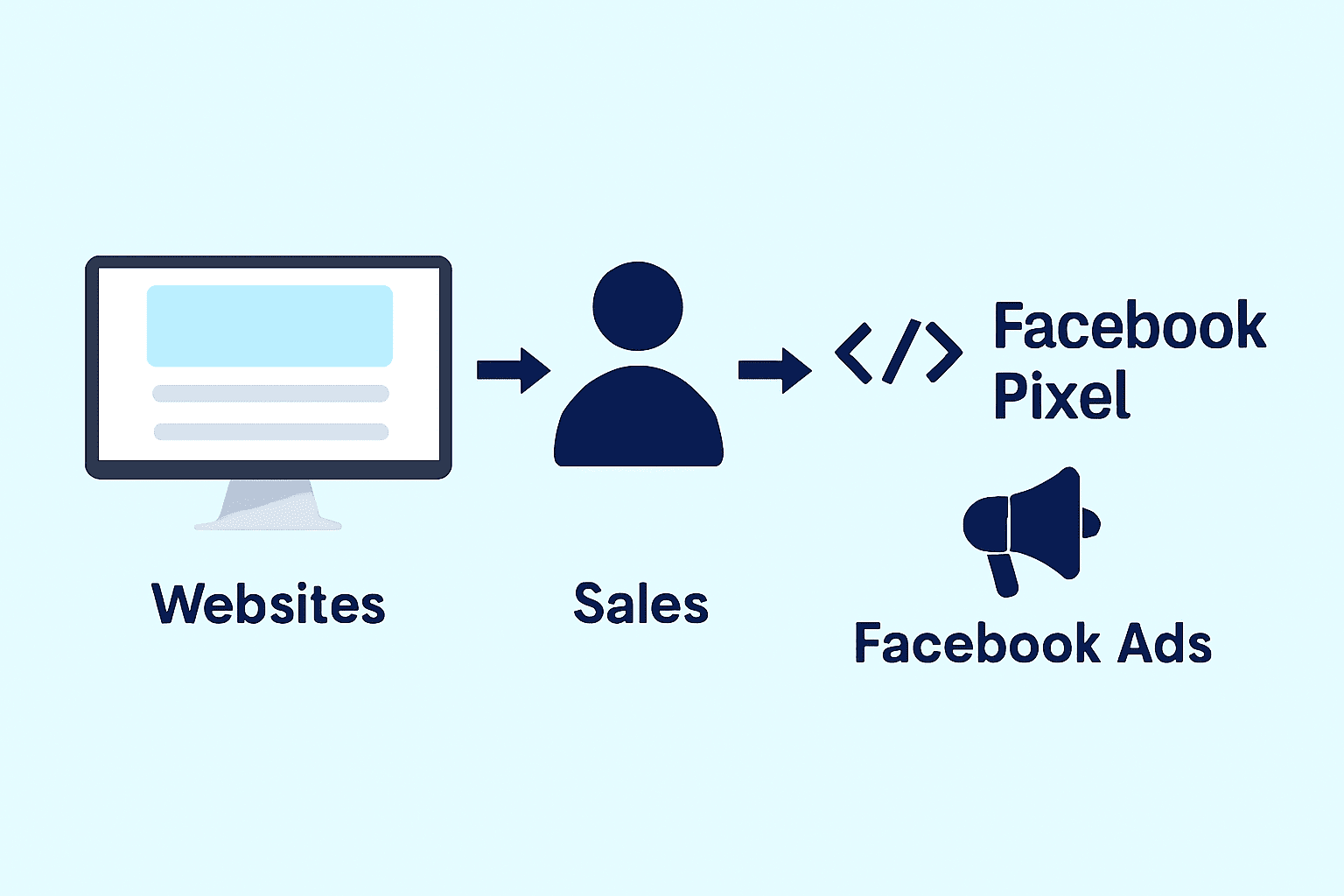
It’s a small code that tracks user behavior on your landing page. With it, you can see who visits, who signs up, and who buys.
What Is the Facebook Pixel?
The Facebook Pixel helps you track conversions and optimize ad performance. It collects data that shows which ads bring the best results. This lets you adjust targeting, improve messaging, and increase ROI.
How to Add the Pixel in Leadpages
Go to your Facebook Ads Manager and copy your Pixel code. In Leadpages, open your landing page settings.
Paste the Pixel code into the Tracking or Analytics section. Save your changes and publish the page.
Why It Matters
Adding a Pixel helps you:
- Retarget visitors who clicked but didn’t sign up.
- Track conversions from specific ads or audiences.
- Measure ROI and make smarter budget decisions.
The Pixel ensures every campaign gets smarter over time.
Step 6: Optimize Your Landing Page for Conversions
Small tweaks can make a big impact on conversions.
- Keep forms short: name and email are often enough.
- Use clear CTAs like “Get Started” or “Join Now.”
- A/B test headlines, images, and layouts using Leadpages’ tools.
- Check mobile speed to avoid losing impatient users.
Simple, fast, and focused pages convert best.
Step 7: Test and Track Performance
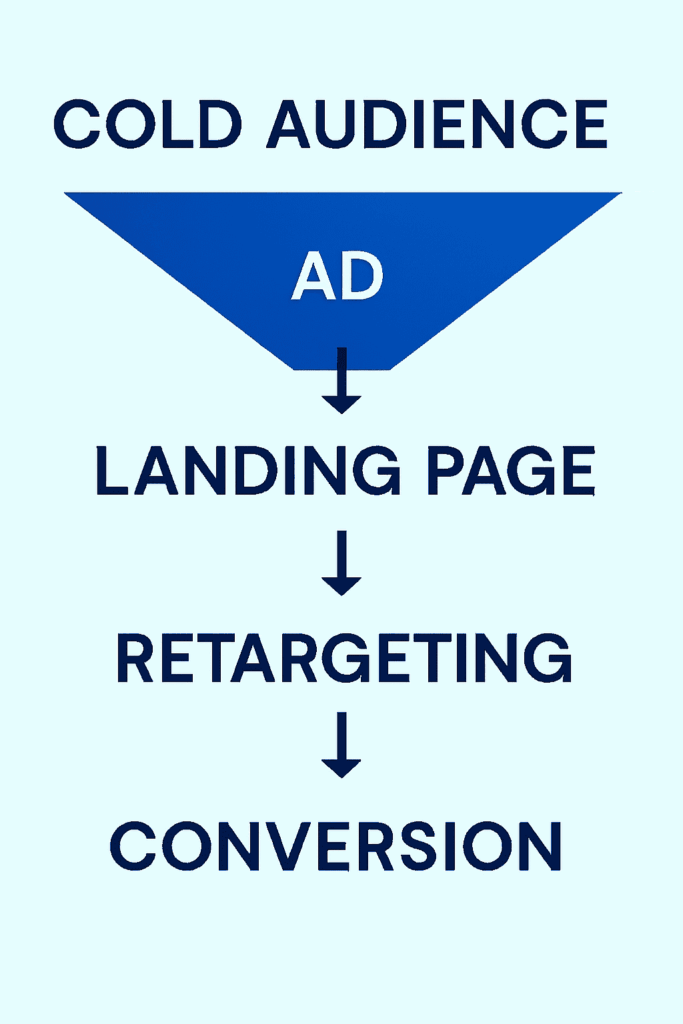
Tracking helps you understand what’s working and what needs improvement. Without data, you’re guessing, and that wastes ad spend. By combining Facebook and Leadpages analytics, you get a full picture of performance.
- Use Facebook Ads Manager to monitor clicks, impressions, and conversion rates.
- Check Leadpages analytics for detailed signup and sales metrics.
- Compare both reports to spot gaps or leaks in your funnel.
This combo shows where people drop off and what’s driving conversions. Use these insights to tweak your ads, adjust targeting, or test new headlines.
Small data-driven changes often lead to big improvements. Tracking regularly keeps your campaigns profitable and predictable.
Bonus Tips to Get Better Results
A few smart tweaks can multiply your results fast. Below are some additional tips you can incorporate to get optimal results:
Use Video Ads for Engagement
Videos grab attention and boost click-through rates. Use short, engaging clips that match your landing page’s tone and message.
Offer Valuable Lead Magnets
Give visitors a reason to sign up. Offer free e-books, webinars, or discounts tied to your product or service.
Retarget and Scale
Retarget visitors who clicked but didn’t convert using Facebook Pixel. These warm leads often convert cheaply.
Once you find a winning campaign, scale gradually by increasing the budget 10-20% weekly. Consistency, testing, and small optimizations turn good campaigns into great ones.
Conclusion
Facebook Ads help you reach the right audience quickly and efficiently. Leadpages then turns that traffic into qualified leads or paying customers.
Together, they create a powerful marketing system that’s simple to manage and easy to scale. You don’t need to be a tech expert to start.
Just set a clear goal, design a focused landing page, and connect it with your ad. Keep testing headlines, visuals, and offers to see what converts best.
When your ad and page work together, results come faster. You’ll get more signups, higher engagement, and better returns on every dollar spent.
If you’ve never tried combining Facebook Ads with Leadpages, now’s the perfect time. Start small, track your progress, and improve along the way.
With consistency and small tweaks, you’ll build a smooth system that turns clicks into customers; automatically and predictably.