
It saves time, reduces tech stress, and keeps everything connected. Whether you’re selling a course, book, or physical product, Kartra works.
It handles landing pages, forms, checkouts, and automation without any coding. You can focus on the strategy, while Kartra handles the tech.
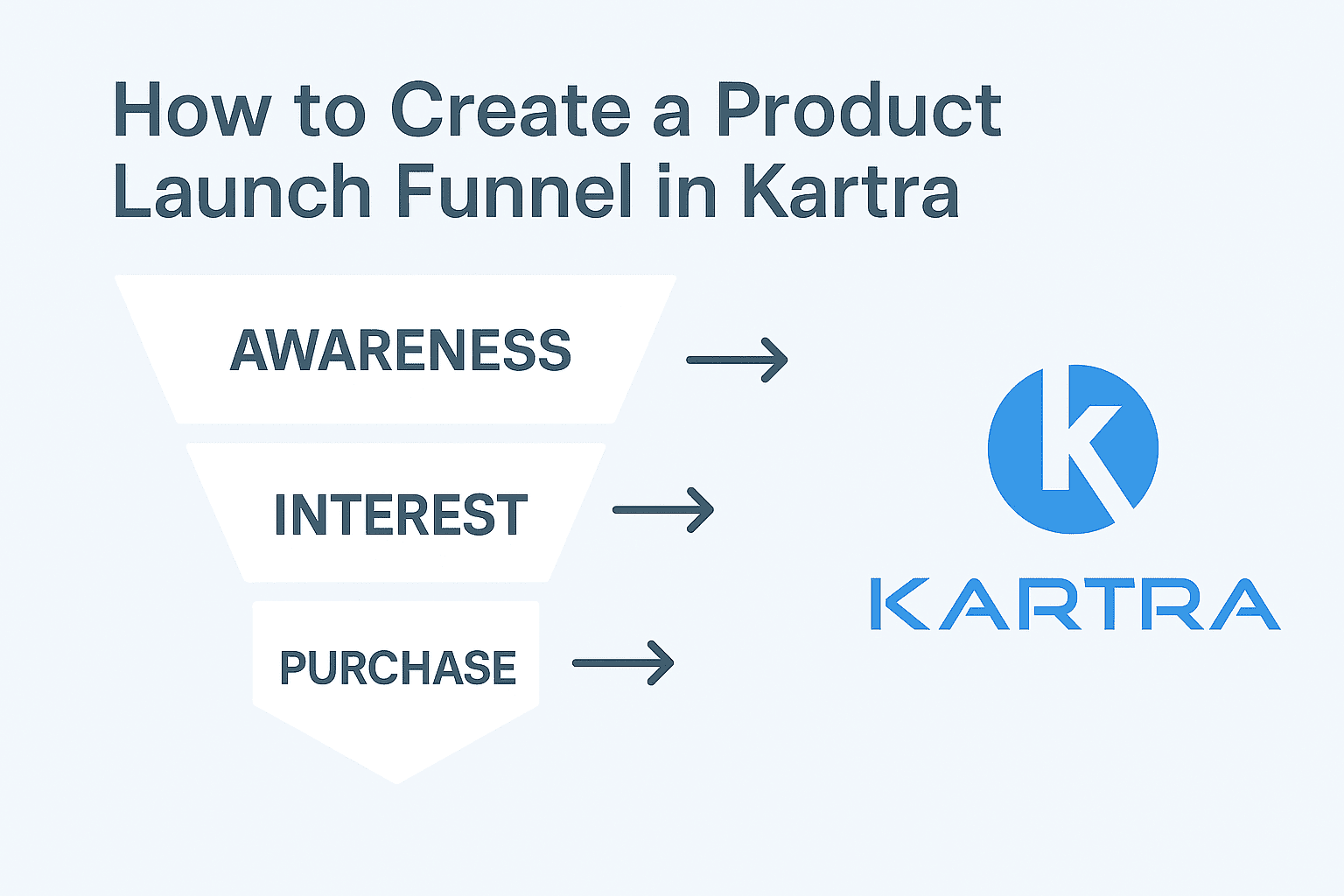
In this guide, we’ll show how to build a product launch funnel. You’ll learn how to set up each step directly inside Kartra.
Why Kartra is Best for Product Launches
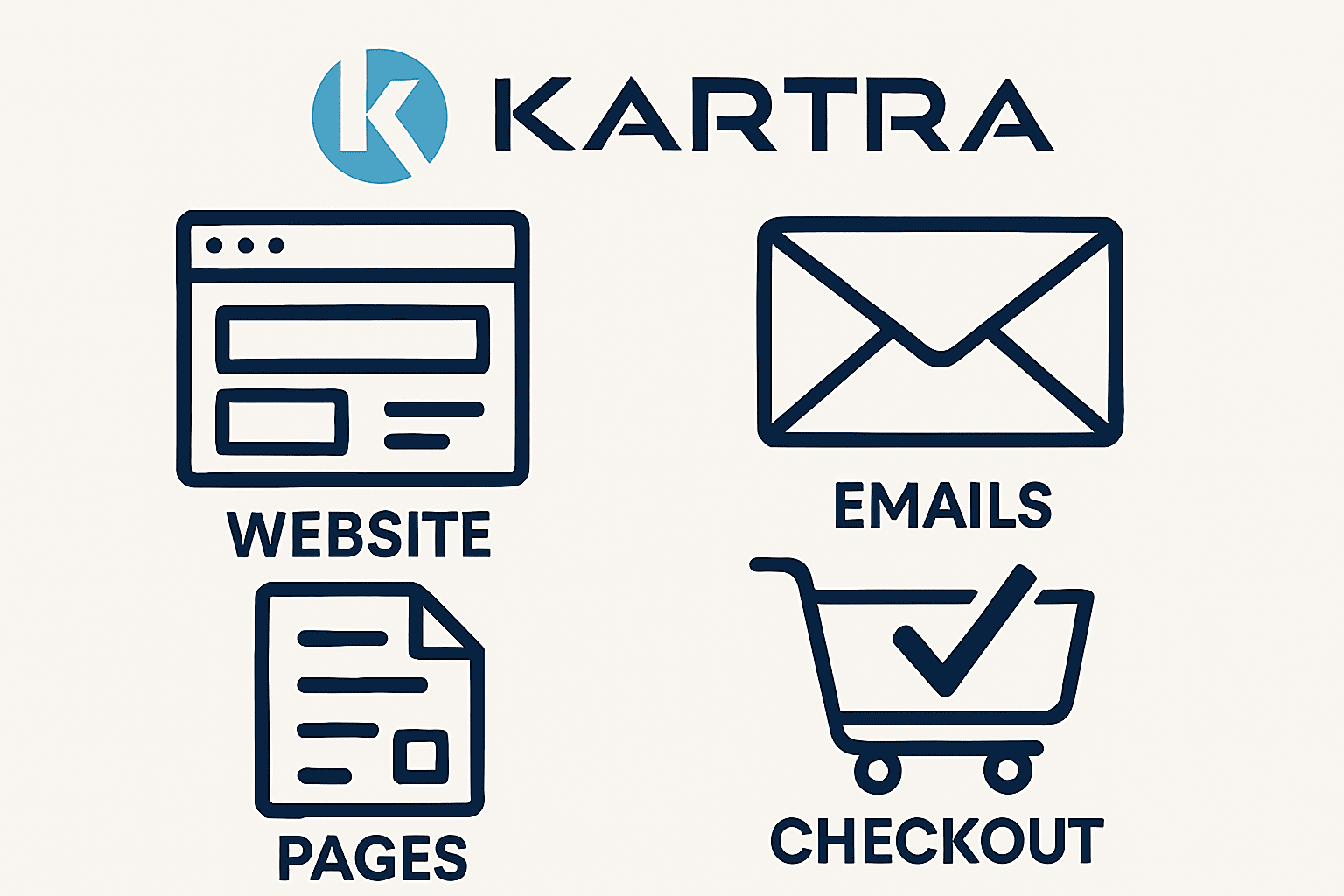
Kartra gives you everything in one place, no extra tools needed. You can build pages, set up emails, and accept payments easily.
Most platforms require plugins or third-party tools; Kartra keeps it simple. Here’s what makes it great for product launches:
- Drag-and-drop builder helps you design high-converting pages fast.
- Email automation lets you send sequences based on user behavior.
- Built-in checkout pages handle sales, upsells, and payments seamlessly.
- Lead tagging tracks engagement so you can personalize follow-ups.
- Analytics show what’s working and what needs improving right away.
No need to connect five tools to make a funnel. Kartra replaces landing page builders, email platforms, and checkout software. So, fewer bugs, lower costs, and faster setup times overall.
If you’re launching something new, Kartra helps you move fast and smart. It’s perfect for creators, coaches, and small businesses launching products online.
Plan Your Product Launch Funnel
We’ve discussed the basics of Kartra and all its features. It’s time to dive into the main section: planning your product launch.
Define Goals
Before building your funnel, start with clear and simple goals. Ask yourself: what do you want your audience to do next? Your goal might be email sign-ups, product sales, or free trials.
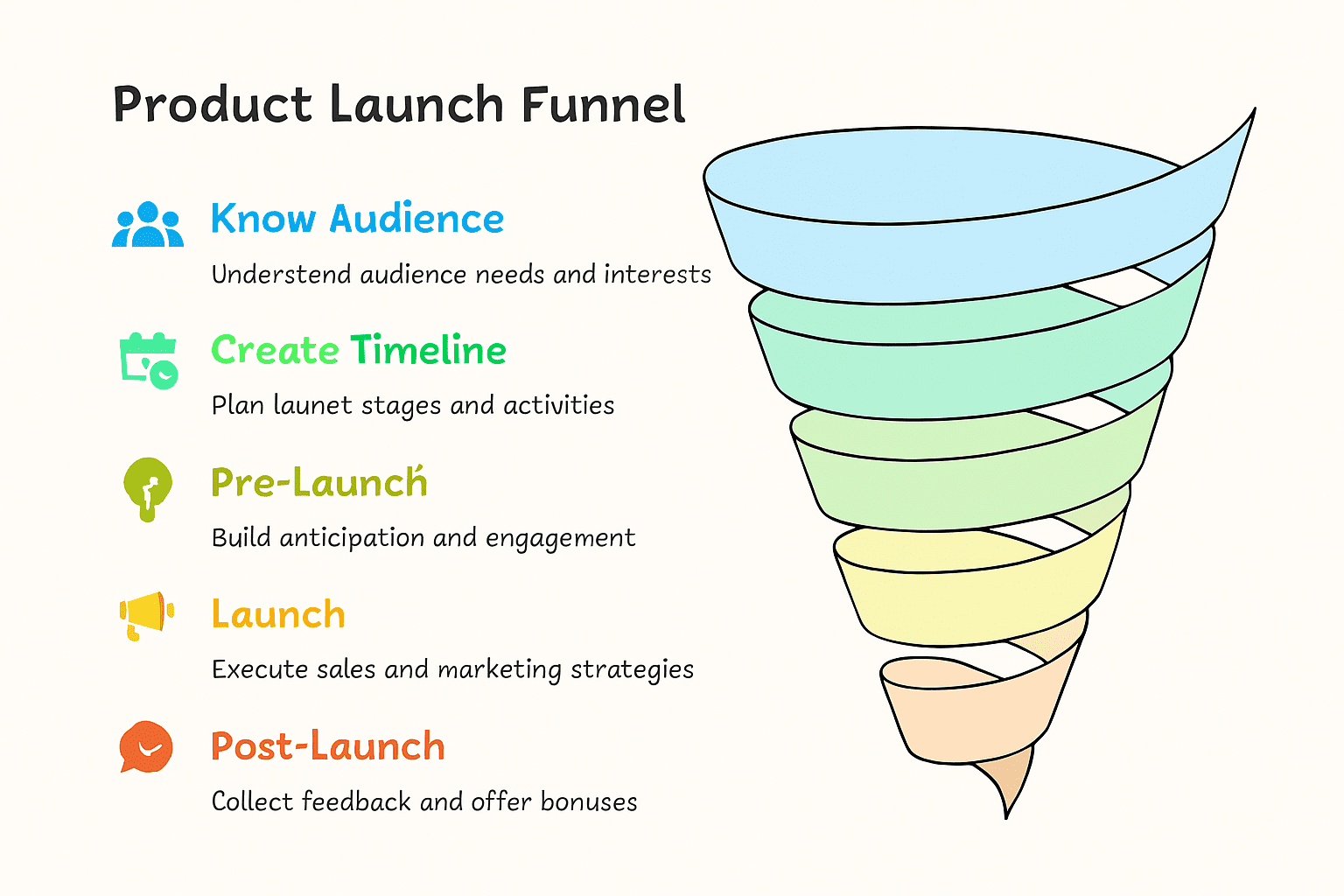
Know Your Audience
You need to understand who you are talking to clearly. Know their pain points, interests, and what makes them take action. Tailor your messaging so it speaks directly to their real needs.
Create a Timeline
Break your launch into three stages: pre-launch, launch, and post-launch. Pre-launch builds
During launch, focus on emails, webinars, and direct sales messaging. Post-launch, collect feedback and offer bonuses or follow-up promotions.
A clear plan helps you stay organized and focused. When goals, audience, and timeline align, your funnel works better. Use Kartra to connect every step with automation and precision.
Create Your Landing Page in Kartra
Kartra gives you pre-built templates to launch landing pages fast. Pick a design that fits your product and your brand style. You can drag and drop elements without coding knowledge.
Keep your landing page layout clean and easy to scan. Use clear, bold headlines that explain your product in seconds. Add a subheadline that highlights the benefit or problem you solve.
Include a sign-up form right near the top of the page. Make the CTA button clear and strong, like “Get Started Now.” Use high-quality images or videos to grab attention and build trust.
Keep the page focused on one goal, with no extra links. Testimonials, reviews, or guarantees can help boost your credibility too.
Kartra lets you preview and test before publishing it live. Once ready, connect your form to an email automation flow instantly.

Set Up Email Sequences for Warm-Up
Email helps you build hype before your product goes live. Kartra makes it easy to create email sequences with automation. Use emails to educate, tease features, and build strong curiosity.
Start your sequence with a welcome email. Follow up with content that solves a problem or answers questions. Include behind-the-scenes details, sneak peeks, or early access invites.
You can schedule emails based on time or behavior. Use tags to group subscribers by interest or engagement level. Personalize your emails using first names or previous actions.
Stick with 3 to 5 emails before your product launch day. Use countdown timers in emails to boost urgency and excitement.
Kartra offers templates to speed up writing and design. This keeps your messaging clear and helps increase open rates. A well-timed email flow drives more traffic on launch day.
Add Checkout Pages and Payment Options
Kartra helps you create checkout pages that are clean and fast. Start by choosing a template that fits your product type. Add your product name, description, price, and refund policy clearly.

Upload product image or video to build buyer trust. Sell digital products, services, or subscriptions with Kartra. You can even offer upsells and order bumps to increase revenue.
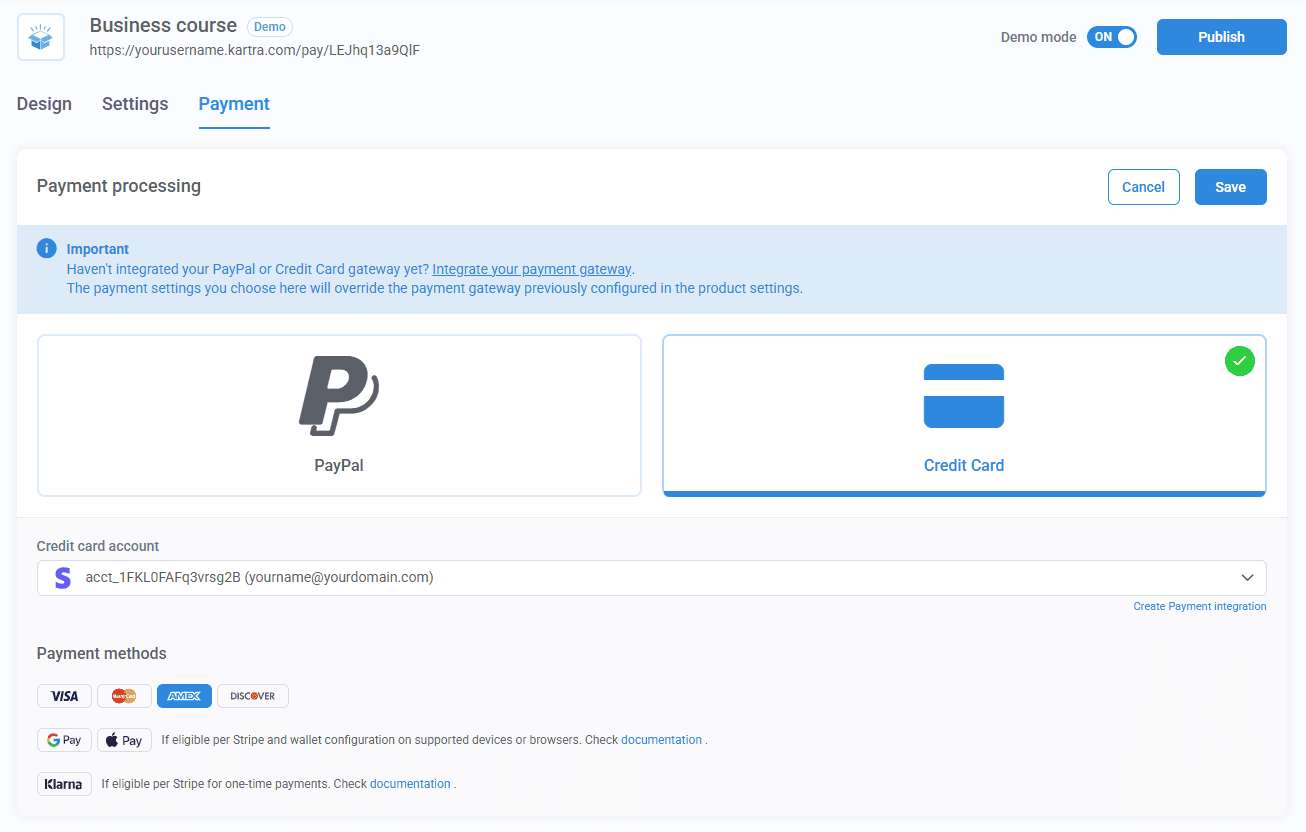
Add multiple payment options like credit card, PayPal, or Stripe. Offer one-time payments, split pay, or recurring billing. Clearly show pricing details and any guarantees or bonuses included.
Keep the checkout page distraction-free with a strong call to action. Kartra encrypts customer data to ensure safe and secure transactions.
You can also connect checkout pages with email or membership access. Once complete, test the entire process before sending live traffic.
Add Upsells and Thank You Pages
Kartra lets you add upsell pages to boost your average order. Upsells show right after checkout and offer more value instantly.
Keep upsell pages simple with clear headlines and one-click purchase buttons. Use urgency or bonuses to encourage fast decisions and more sales.
After upsells, send users to a thank-you page with next steps. Thank-you pages confirm the order and build trust after purchase.
You can also include videos, bonus links, or account setup steps. A good thank-you page improves the customer experience and brand loyalty.

Test Your Funnel Before Publishing
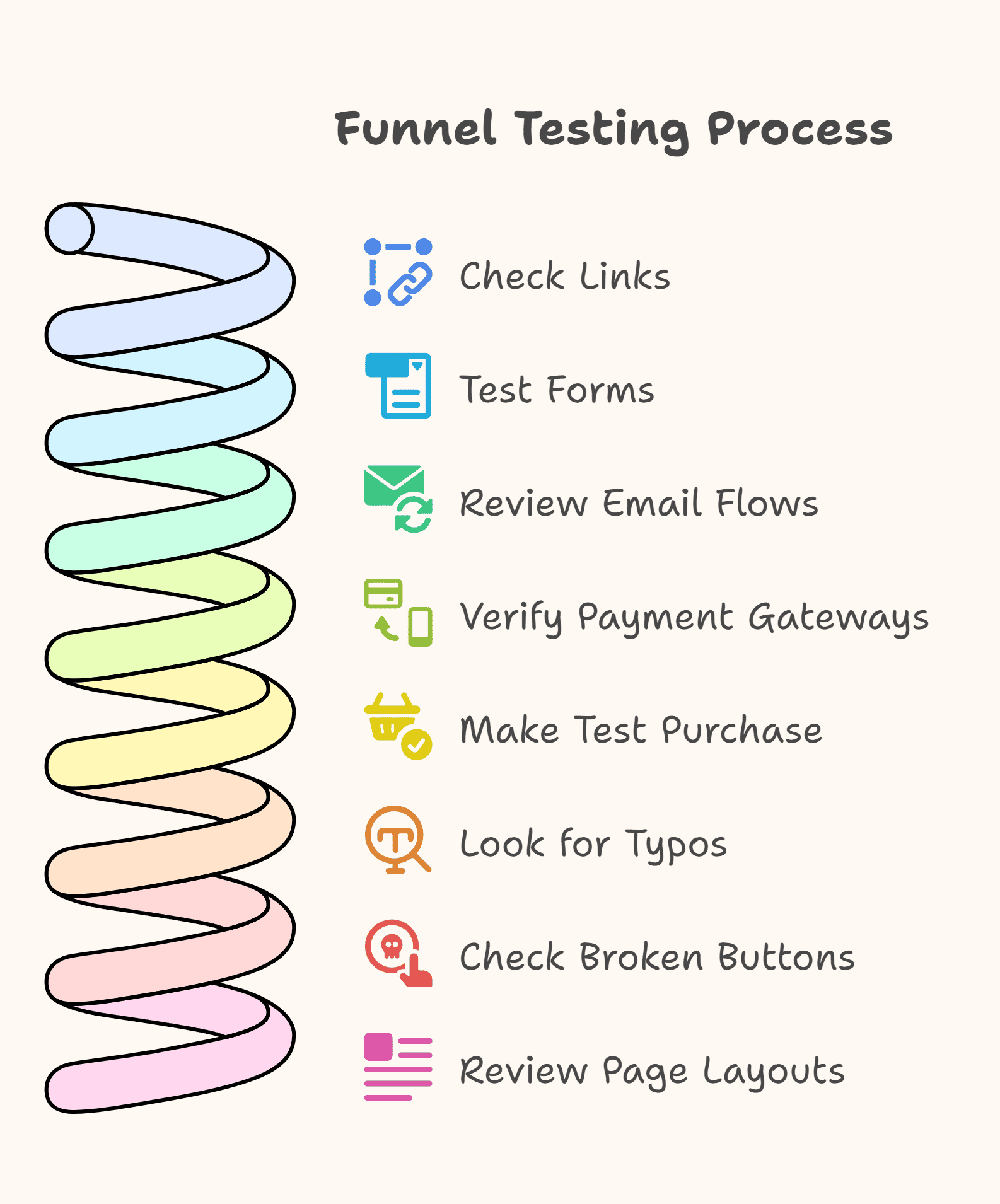
Before launching, always test every step of your funnel. Check all links, forms, email flows, and payment gateways yourself. Make a test purchase to confirm everything works as expected.
Look for typos, broken buttons, or confusing page layouts. Testing avoids launch-day issues and gives your audience a smooth journey.
Launch and Track Performance
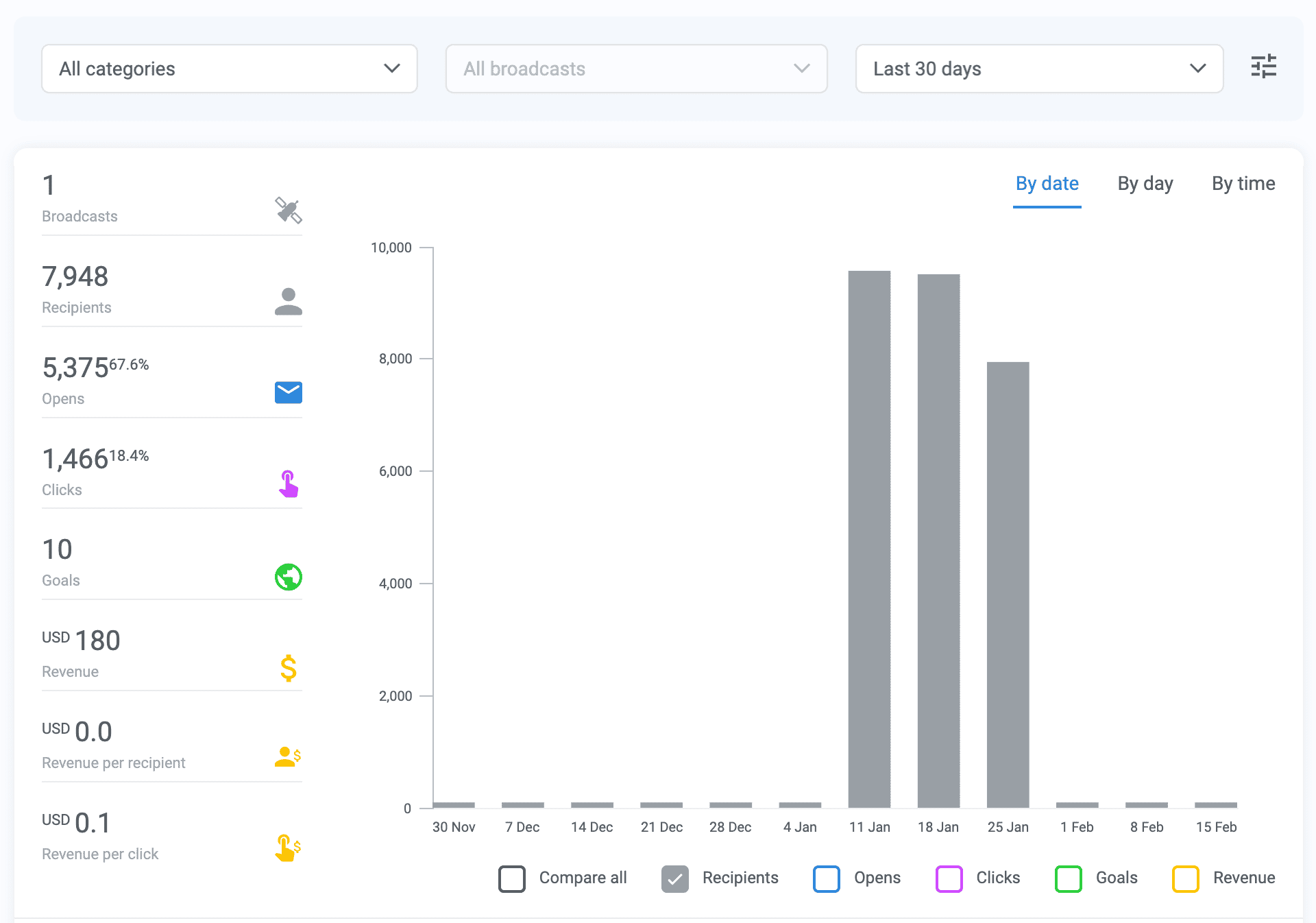
Once tested, publish your funnel and begin driving targeted traffic. Kartra’s built-in analytics show key data like views and clicks. Track email opens, link clicks, and total product sales.
Use heatmaps to see where visitors click or drop off. Make small tweaks to headlines, buttons, or upsells to boost results.
Conclusion
With Kartra, launching a product funnel is simple, fast, and effective. You get all tools: pages, emails, and checkout in one easy platform. No need to juggle multiple apps or complex integrations.
Through Kartra, you can:
- Build custom landing pages using drag-and-drop templates.
- Set up email sequences that warm leads before the launch.
- Add checkout pages, upsells, and thank-you screens with ease.
- Track opens, sales, and traffic from one dashboard.
Kartra supports every step, from lead capture to final sale. It’s ideal for entrepreneurs, coaches, and small teams launching digital offers.
Each tool is built to convert traffic into loyal customers fast. Start your next launch strong with a funnel that works from day one.