
Many beginners feel overwhelmed by editing, writing, planning, and responding to comments. These tasks can drain energy and break motivation before real progress begins.
AI tools are changing that experience in 2025. They are cheaper now, easier to use, and very friendly for beginners. They help with ideas, writing, editing, visuals, research, and analytics.
Consider a simple story. A new beauty creator named Mira struggled with weekly content. She spent seven hours writing captions and planning. Once she discovered AI tools, things changed.
ChatGPT helped her plan content. Canva AI helped her create visuals. CapCut AI helped her edit videos. In one week, she cut her eight-hour workflow down to two hours.
This is the power of budget-friendly AI, faster workflow, and easy-to-use tools for beginners. In this guide, you will discover the best affordable AI tools every new creator should try in 2025.

1. ChatGPT: The All-in-One Assistant Every Beginner Needs
ChatGPT is often the first AI tool new creators use. It feels friendly, supportive, and simple. It understands human language and provides fast answers.
Beginners love it because ChatGPT helps with ideas, outlines, captions, scripts, emails, and content planning. It removes the blank page feeling and gives direction quickly.
ChatGPT works like a personal assistant who never gets tired. Creators use it for almost everything.
You can ask ChatGPT to write captions, draft emails, generate ideas, or outline your next video. You can also ask for scripts, brand slogans, hooks, titles, descriptions, and more.
Example: Write five TikTok script ideas for a skincare page.
The benefits are strong.
- Instant ideas save time and reduce stress.
- Quick drafts help you move faster every day.
- Zero learning curve makes it easy for beginners.
- Flexible use cases support every type of creator.
Many new creators build weekly content plans in minutes with ChatGPT. One beginner named Jay used to spend two hours writing captions for his fitness page.
Once he started using ChatGPT, he created a full week of captions in ten minutes. It changed his workflow and helped him post more consistently without stress.
ChatGPT is also powerful for brainstorming. If you need ten content ideas, fifty hooks, or a fresh direction, it responds instantly.
This keeps your creativity flowing throughout the week. It also helps with clarity. You can paste long notes inside ChatGPT and ask it to rewrite them clearly.
Pro Tip Box
Try prompts like:
- Generate twenty content ideas based on today’s latest trends.
- Create video hooks for a new travel creator.
- Write a weekly content schedule for Instagram and TikTok.
Takeaway
ChatGPT reduces effort and speeds up creativity for every new creator.

2. Canva AI: Budget Friendly Visuals for Posts, Thumbnails, and Reels
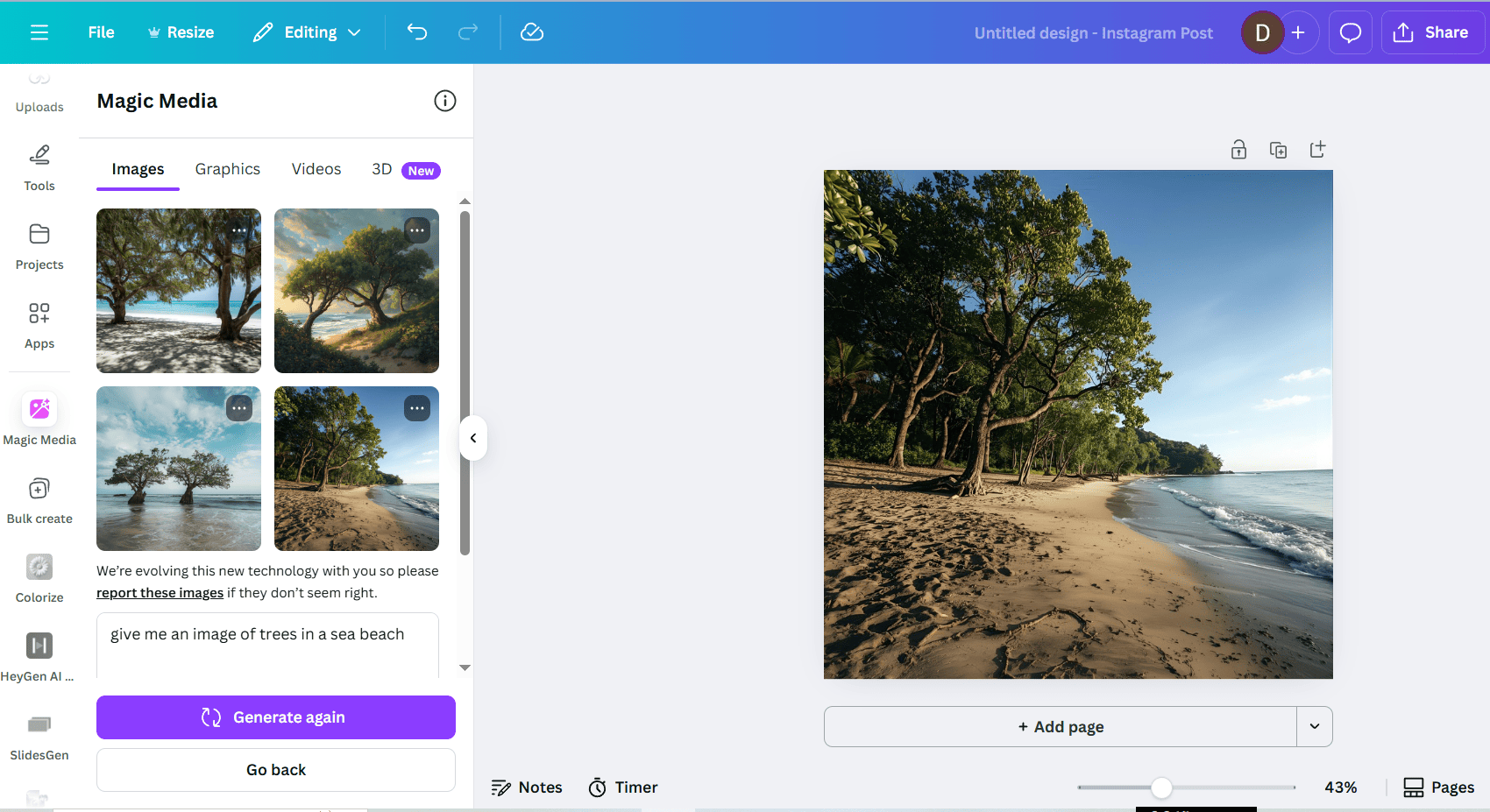
Canva AI is perfect for creators who want stunning visuals without paying designers. It has become one of the most used creative tools in 2025. New creators love Canva because it keeps things simple and affordable while still looking professional.
Canva AI helps with images, videos, thumbnails, reels, graphics, and presentations. It works like a creative studio inside your browser. The biggest advantage of Canva AI is its wide set of features.
It includes AI image generation, text to image, Magic Design, Magic Write, AI video trimming, layout suggestions, and automated templates. These tools help you create visuals quickly without design skills.
Example: create a YouTube thumbnail or Instagram carousel.
The benefits are clear.
- Professional designs make your content look polished.
- Quick editing saves hours on daily work.
- Affordable pricing fits the budget of every beginner.
- User-friendly tools make the design feel easy and fun.
Consider a story. A beginner named Fiona started a cooking channel but struggled with thumbnails. She tried several apps but never liked the results. Then she used Canva AI.
In seconds, Canva suggested multiple layout ideas, color matches, and text placements. Her thumbnails suddenly looked professional. She started gaining more clicks and higher engagement.
Canva AI also helps beginners create reels or short videos. Its auto layout and Magic Design features analyze your content and instantly generate designs. You get ready to post graphics without guesswork. It also offers huge libraries of templates for every platform.
Insight Box
Try these design prompts:
- Create a fun carousel for productivity tips.
- Make a clean YouTube thumbnail for a tech review.
- Design a cute Instagram story template for product promotion.
Takeaway
Canva AI helps new creators look visually polished without spending too much money.
3. CapCut AI: Simple Editing for Video Creators on a Small Budget
CapCut AI is ideal for video creators who want fast and clean edits. It supports short-form content and long form content while keeping the workflow simple.
New creators love CapCut because it reduces editing time and makes every video look polished. It works especially well for TikTok, Reels, and YouTube Shorts.
CapCut AI offers features like auto captions, face enhancement, background removal, AI templates, voice cleanup, color correction, and script-to-video tools.
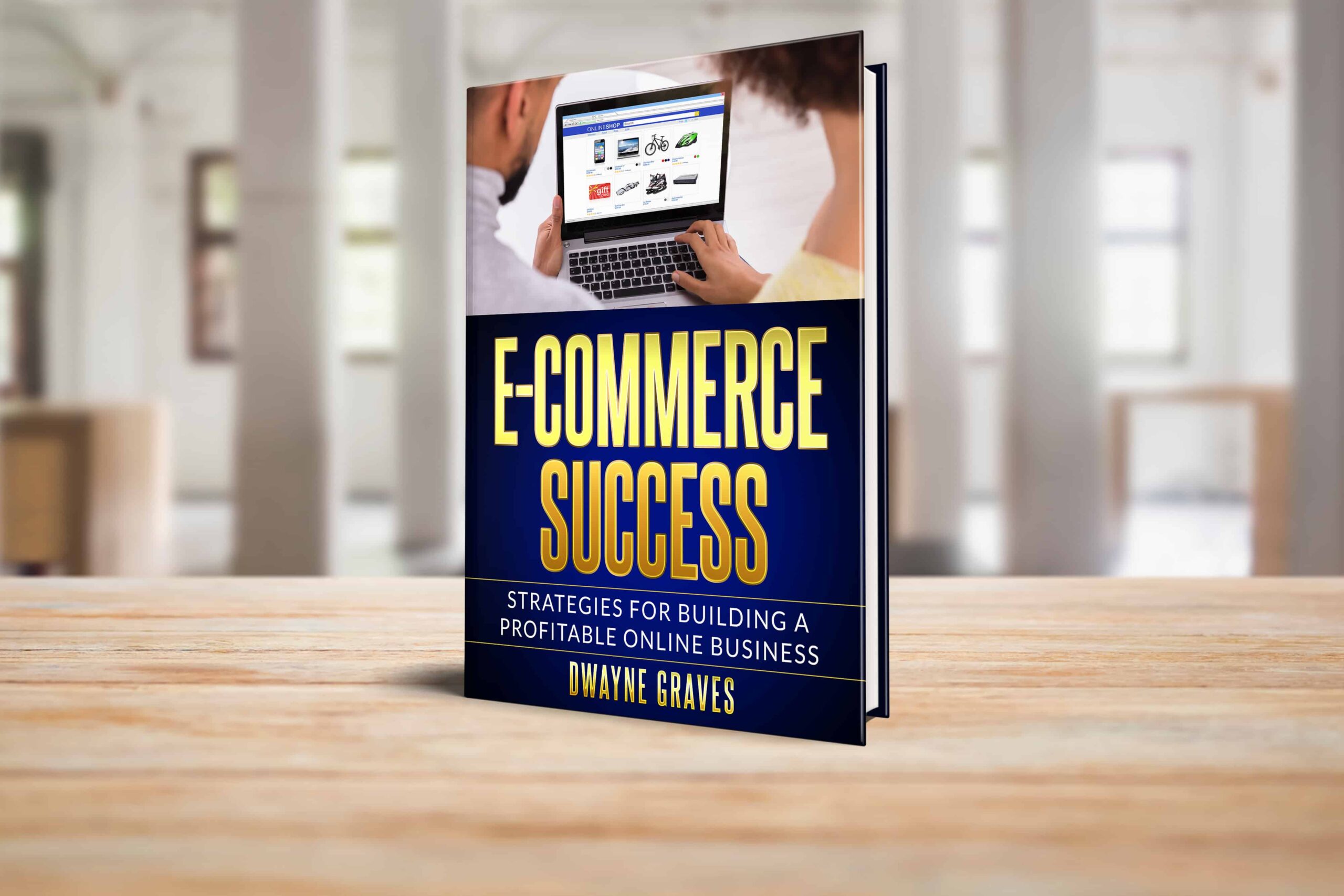
These features help beginners create content that looks professional. You do not need editing experience. You simply upload your clips and let CapCut handle the hard parts.
Example: turn this script into a TikTok-style video.
The benefits are impressive.
- Fast editing saves hours each week.
- Social media-ready templates match current trends.
- No editing skills needed helps beginners start instantly.
- AI effects enhance video quality automatically.
One beginner creator named Tara wanted to post daily videos but struggled with editing. She used CapCut AI to cut clips, add captions, adjust colors, and set pacing. Instead of spending three hours per video, she spent twenty minutes. This helped her post daily and grow faster.
CapCut also helps with hooks and pacing. Its trending templates give creators access to styles used by popular influencers. You can choose a template and drop your clips inside. CapCut handles transitions, captions, cuts, and effects.
Pro Tip Box
Use CapCut’s trending templates to increase engagement and save time. Try prompts like:
Create a motivational video using a trending CapCut template.
Takeaway
CapCut makes video editing simple for beginners who want strong content fast.

4. Notion AI: Smarter Organization for Growing Creators
New creators often struggle with planning, idea tracking, script writing, and content calendars. Everything feels scattered.
Many use notes apps, spreadsheets, and random files. This creates confusion and slows progress. Notion AI solves this problem with smarter organization.
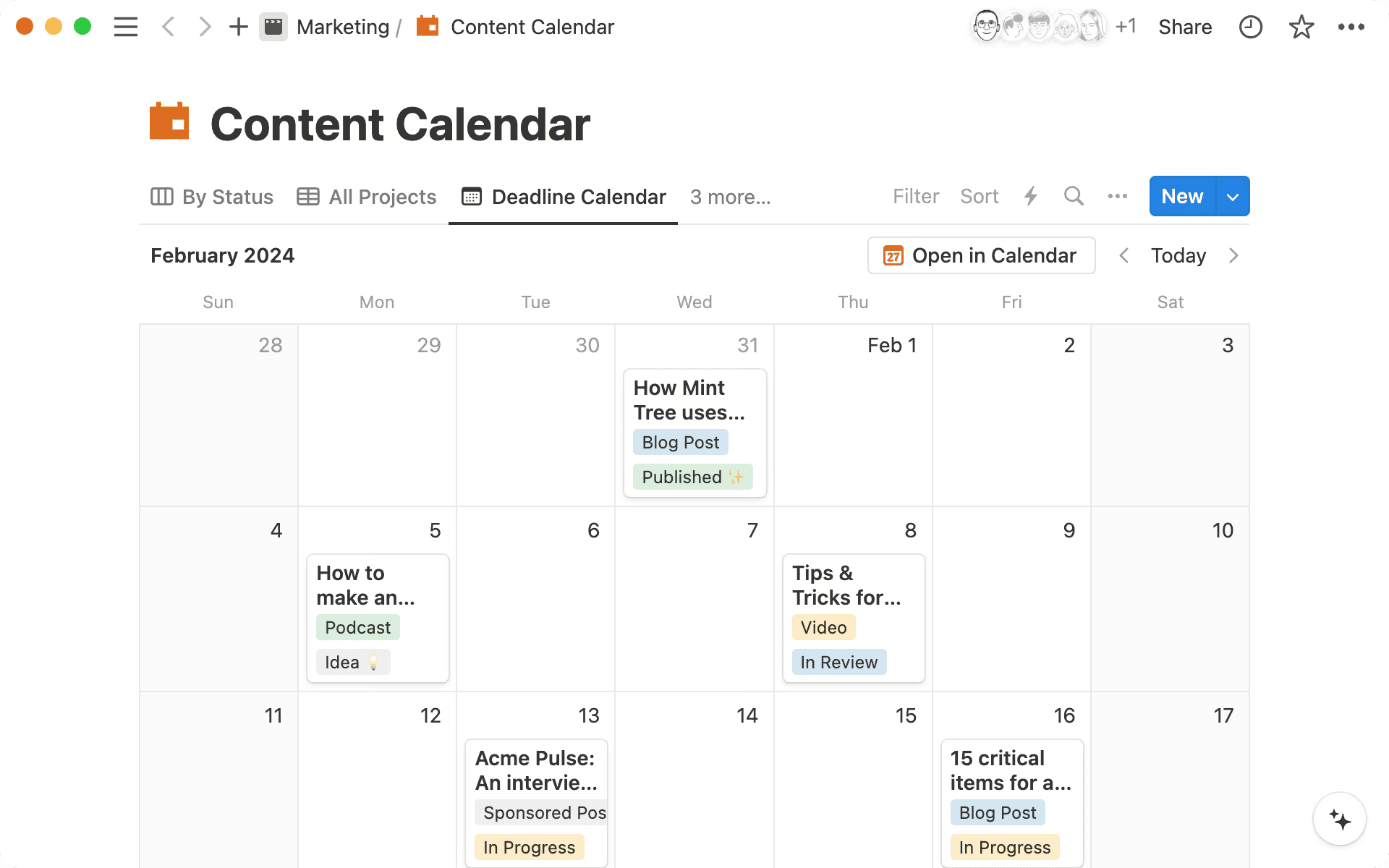
Notion AI helps creators keep everything in one place. It manages content calendars, idea banks, research notes, tasks, scripts, and outlines. It also summarizes information and creates structure automatically.
Example: summarize my research notes or create a content calendar for March.
The benefits are valuable.
- Better structure makes your workflow smooth.
- Clean planning keeps everything easy to find.
- Auto-generated notes save time on writing.
- Smart reminders help you stay consistent.
Consider a story. A beginner named Robin struggled with content planning for his fitness page. He used messy notes on several apps and forgot ideas often.
When he moved to Notion AI, things changed. Notion created his weekly content plan, stored every idea, and organized his scripts. He felt focused and could upload weekly without stress.
Notion AI can also create custom dashboards. It automatically sorts tasks, organizes writing, and tracks progress. It even generates outlines or summaries. This creates order in the life of a busy creator and makes the creative journey smoother.
Pro Tip Box
Use content calendar templates inside Notion. Try prompts like: Create a monthly posting plan with hooks and captions included.
Takeaway
Notion AI keeps creators organized and consistent throughout the week.
5. Descript AI: Easy Voiceovers and Audio Cleanup for New Creators
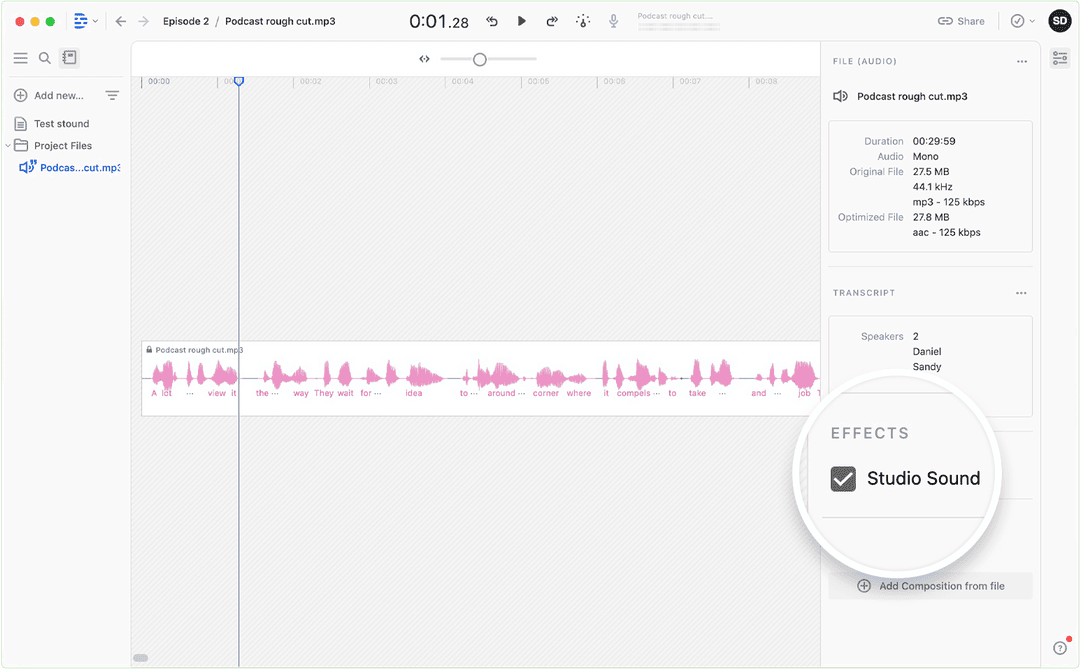
Descript AI is useful for creators who work with audio. It helps with podcasts, tutorials, voiceovers, or videos with narration. Many beginners struggle with echo, noise, or unclear audio. Descript solves these issues quickly.
Descript AI has features like voice cleanup, background noise removal, transcription, voice separation, and overdub recording. It also turns messy audio into clean recordings.
Example: turn this messy audio into a clean voiceover.
The benefits are clear.
- Studio-quality audio without expensive tools.
- Easy editing for beginners.
- Budget-friendly for creators starting out.
- Fast cleanup that improves sound instantly.
Consider a story. A creator named Leo made cooking tutorials but struggled with microphone quality. Descript cleaned his audio and removed noise. His videos sounded more professional immediately.
Insight Box
Try these steps for cleaner audio:
- Record in a quiet place.
- Upload raw audio into Descript.
- Apply noise removal.
- Use voice enhancement.
- Export clean audio instantly.
Takeaway
Descript helps beginners sound professional even on a small budget.
Conclusion
New creators no longer need expensive tools to look professional. Affordable AI tools now support every task, from planning to writing, visuals, video editing, organization, and audio.
With these tools, anyone can create faster, grow steadily, and stay consistent. Remember to start small, use smart tools, and grow faster.
Choose one tool today and begin building your creative workflow with confidence. There’s no stopping your growth with these potential AI tools.