This guide covers five essential website features every online business should include. These elements improve user experience, build credibility, and help boost conversions. Let’s explore what makes a business website effective, engaging, and trustworthy!

Feature 1: Clear and Easy-to-Use Navigation
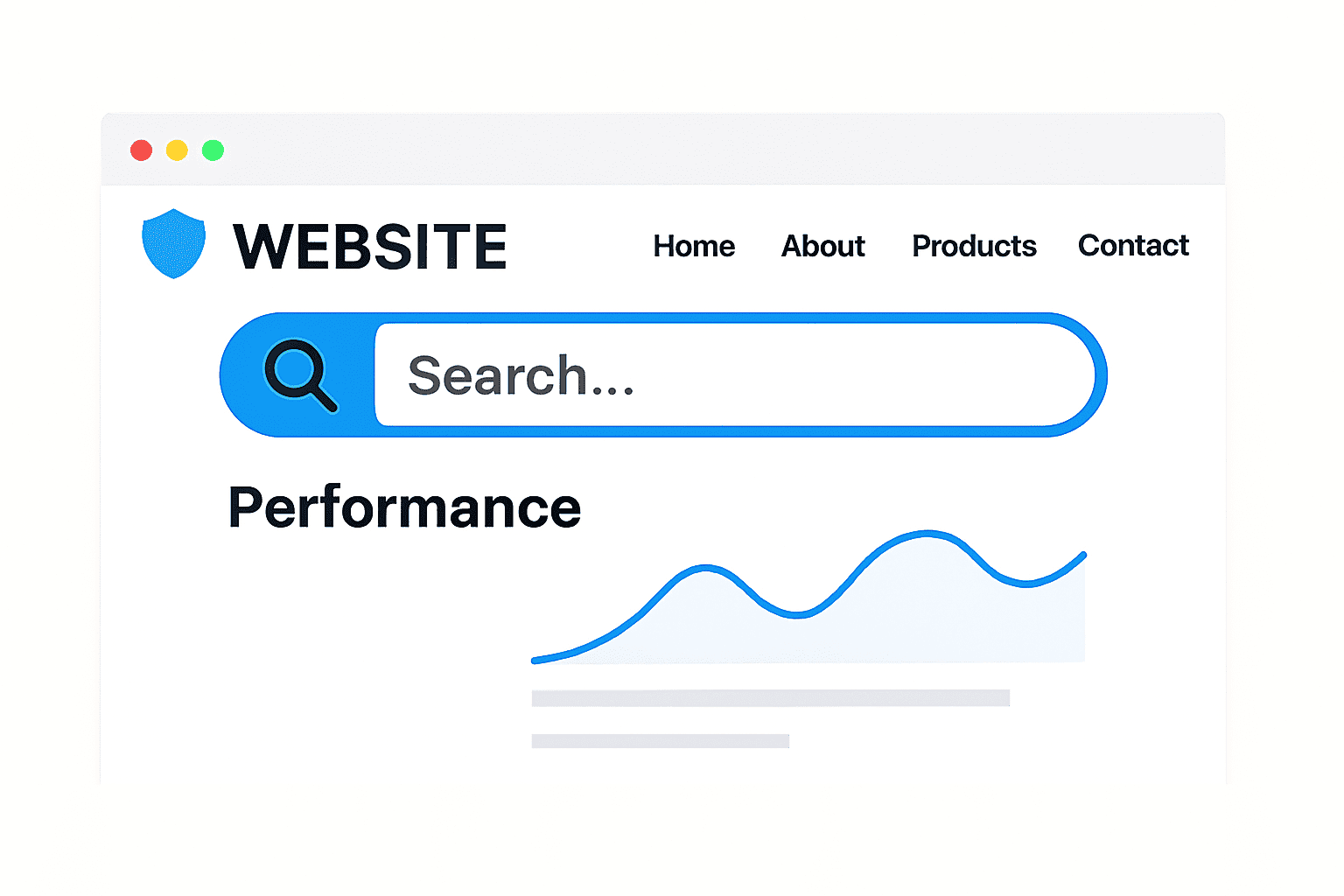
Imagine walking into a store with no signs; just chaos. That’s how visitors feel when a website’s navigation isn’t clear. Good navigation helps users find what they need in just a few clicks.
It’s like a roadmap that guides people through your products, services, and content. If your menu is confusing or cluttered, people will leave fast.
Why Navigation Matters
Navigation isn’t only about looks; it defines how visitors experience your website. A smooth navigation system improves engagement, session time, and conversions.
Here’s what effective navigation includes:
| Element | Purpose |
| Main Menu | Displays essential pages like Home, About, Services, and Contact |
| Dropdowns | Organize related pages under clear categories |
| Search Bar | Helps visitors find content fast |
| Clickable Buttons | Encourage actions like “Shop Now” or “Learn More” |
Tips for Simpler Navigation
- Keep your menu at the top or side for easy access.
- Use clear, descriptive labels instead of vague ones.
- Avoid too many dropdown levels; two levels are usually enough.
- Make sure your logo links back to your homepage.
- Keep design consistent across every page.
The Rule of Three Clicks
A visitor should reach any page in three clicks or fewer. If it takes longer, they’ll likely give up and move elsewhere.
Simple navigation isn’t about being minimal; it’s about being intuitive. The easier your site is to explore, the more likely users are to stay.
Feature 2: Mobile-Friendly Design
More than half of all website traffic now comes from mobile devices. If your site isn’t optimized for phones or tablets, you’re losing visitors fast.
A mobile-friendly website automatically adjusts to any screen size. It looks and functions beautifully whether viewed on a laptop, iPad, or smartphone.
Why Mobile Optimization Matters
Mobile visitors expect smooth navigation, readable text, and fast loading. If your layout breaks or buttons overlap, they’ll exit within seconds. Search engines also reward mobile-optimized websites with higher rankings.
Mobile-friendly design helps you:
- Reach a wider audience across devices.
- Improve user experience and reduce bounce rates.
- Strengthen your SEO performance.
Tools for Mobile Optimization
| Tool | Purpose |
| Google Mobile-Friendly Test | Checks how your site performs on mobile |
| Leadpages | Builds responsive landing pages quickly |
| Webflow or Wix | Auto-adjust layouts for all screen sizes |
| Hotjar | Analyzes user activity and mobile interactions |
Practical Tips
- Avoid small text and hard-to-tap buttons.
- Compress images for faster loading on mobile networks.
- Use flexible grid layouts to fit various screen widths.
- Keep pop-ups minimal; they can frustrate mobile users.
A mobile-optimized design shows you value your customers’ time and experience. If visitors can browse comfortably on any device, they’re more likely to convert.

Feature 3: Fast Loading Speed
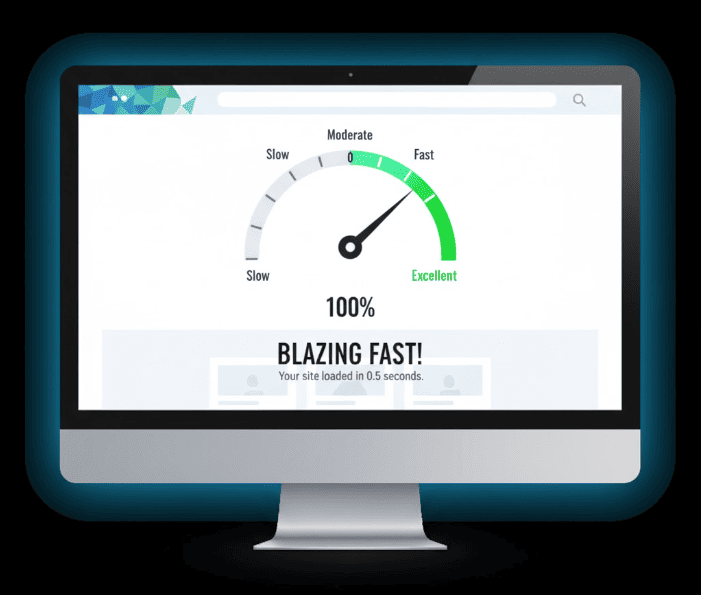
Speed is one of the biggest factors in website success. Users expect websites to load in three seconds or less. If it takes longer, many will leave before the page finishes loading.
Why Speed Matters
A slow website doesn’t just annoy users; it hurts your business. Even a one-second delay can reduce conversions significantly. Search engines also rank slow websites lower.
How to Improve Loading Speed
Here are simple ways to make your site lightning-fast:
- Optimize images: Use tools like TinyPNG or ImageOptim.
- Use reliable hosting: Pick providers like HostGator, SiteGround, or WP Engine.
- Enable caching: Save temporary data to speed up repeat visits.
- Reduce plugins: Remove unused extensions that slow your site.
- Minimize code: Compress CSS and JavaScript files.
Extra Speed Tips
| Tool/Plugin | Function |
| WP Rocket | Speeds up WordPress sites with caching and compression |
| Cloudflare CDN | Delivers content faster via global servers |
| GTmetrix | Tests and grades your site speed |
| Google PageSpeed Insights | Provides improvement recommendations |
The Payoff
A faster site means happier visitors and better search rankings. It’s one of the easiest ways to improve engagement instantly.
If your pages load fast, users stay longer, explore more, and buy more. Speed is the silent salesman; it converts visitors before you even speak.
Feature 4: Strong Security Measures
Website security isn’t just about protecting your files. It’s about safeguarding your customers’ trust and your business reputation.
Every day, thousands of websites face hacking attempts or malware attacks. Even small websites can become targets because hackers look for easy entry points.
A secure website tells visitors their data is safe. It also ensures smooth operation and compliance with privacy regulations.
Key Website Security Features
| Security Measure | Why It Matters |
| SSL Certificate (HTTPS) | Encrypts data and boosts SEO ranking |
| Regular Updates | Patches vulnerabilities in CMS, plugins, and themes |
| Strong Passwords | Prevents unauthorized admin access |
| Two-Factor Authentication (2FA) | Adds another login verification layer |
| Web Firewall or Security Plugin | Blocks suspicious traffic and malware |
| Backups | Restores your site quickly after an attack |
How to Strengthen Your Security
- Choose hosting with built-in protection and daily malware scanning.
- Update CMS and extensions regularly.
- Use long, unique passwords and store them in a password manager.
- Schedule weekly or monthly backups and store them in the cloud.
Security builds long-term trust with customers. It’s not just technical; it’s the foundation of online credibility.
Feature 5: Clear Calls-to-Action (CTAs)
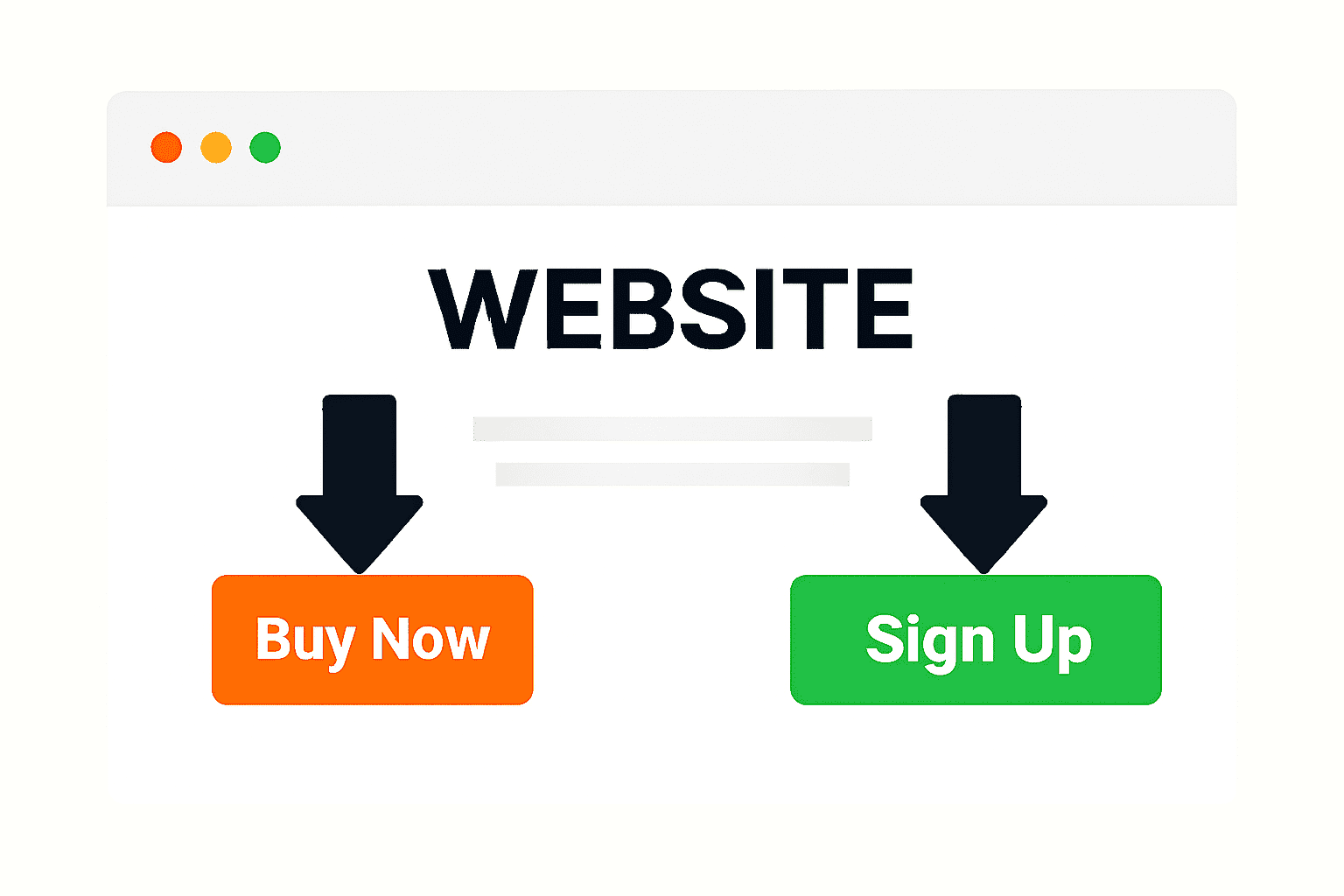
A beautiful website means nothing if it doesn’t inspire action. That’s where Calls-to-Action (CTAs) come in. CTAs are buttons or messages that tell visitors exactly what to do next.

They turn casual browsers into paying customers, subscribers, or leads. Without them, visitors may admire your site but never take the next step.
Examples of Effective CTAs
| Goal | CTA Example |
| Get sales | “Buy Now” or “Add to Cart” |
| Capture leads | “Subscribe for Free Tips” |
| Offer services | “Book a Free Consultation” |
| Share resources | “Download the Guide” |
CTA Placement Tips
- Add a clear CTA on your homepage banner.
- Include buttons at the end of blog posts.
- Use different colors for CTAs to make them stand out.
- Repeat important CTAs on multiple pages for better visibility.
Keep CTAs Simple and Actionable
Visitors should instantly know what they’ll get when they click. For example, instead of saying “Click Here,” use “Get Your Free Trial.”
Strong CTAs use verbs, clarity, and urgency. They create direction, turning curiosity into conversion.
Bonus Feature: Contact and Support Options
Trust grows when customers know they can reach you easily. An accessible contact option shows you’re real, reliable, and ready to help.
Even in an automated world, customers appreciate human connection. They want to know someone’s availability when problems arise.
Essential Contact Options
| Option | Benefit |
| Contact Form | Let users message you directly without leaving the page |
| Email Address | Builds trust with professional communication |
| Phone or Chat Support | Offers real-time assistance |
| Social Media Links | Encourages engagement and transparency |
| FAQ Page | Reduces repetitive questions and saves time |
Tips for Effective Contact Design
- Place contact info in your footer and main menu.
- Use clear icons and short forms.
- Respond to inquiries promptly to maintain credibility.
- Add a chatbot or live chat plugin for instant replies.
Example:
A live chat on your checkout page can reduce abandoned carts significantly. When customers get quick answers, they’re more likely to complete purchases.
Customer support isn’t just service; it’s part of your brand experience.
Putting It All Together: What a Complete Website Looks Like
Let’s imagine how all these features work together:
A visitor lands on your homepage. They instantly see a clean layout, a clear menu, and a call-to-action. Your website loads quickly and looks perfect on their smartphone.
Every click feels smooth, and the site feels professional and trustworthy. Behind the scenes, SSL encryption and strong passwords keep everything safe.
If something goes wrong, automatic backups ensure nothing is lost. The visitor sends a quick question through your live chat and gets an instant reply.
Within minutes, that visitor becomes a customer; all because your website works perfectly. That’s the power of building a site with the right features from the start.

Conclusion
Your website is the heart of your online business. It’s often the first impression people get of your brand.
To build trust and drive sales, your site needs more than good design. It must be fast, secure, mobile-friendly, and easy to navigate.
Every button, menu, and feature should serve your visitor’s journey. The five must-have features are:
- Clear and simple navigation
- Mobile-friendly design
- Fast loading speed
- Strong security measures
- Clear calls-to-action
Plus, don’t forget the bonus: easy contact and support options. Together, these elements turn your website into a reliable business tool.
They make customers feel confident, safe, and ready to buy. If your current site is missing any of these features, now’s the time to act.
Start small, update regularly, and keep improving. Every adjustment makes your website stronger and your business more successful.
Your website isn’t just an online presence; it’s your digital salesperson. When it’s built right, it can sell, inform, and impress even while you sleep.