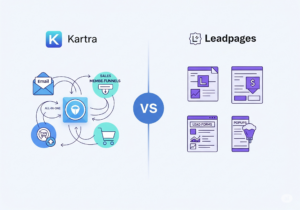
Kartra vs. Leadpages: Which is Better for Your Lead Generation?
Kartra and Leadpages both help you grow your business online fast. But they serve different purposes, so the choice really depends on you.Kartra is an

Have you ever had a business idea that you wanted to bring to reality as quickly as possible?
In the past, it would take a lot of time and energy to create a website and get your idea up and running.
Now, if you wanted to create a quick and simple website, you could do so in just a few minutes because of Leadpages.
And if you don’t already have Leadpages, you could still create a lot of awesome pages including websites, lead capture pages, sales pages, and more during the Leadpages free trial period.
You can try Leadpages for free if you hurry before the 14-day free trial goes away.
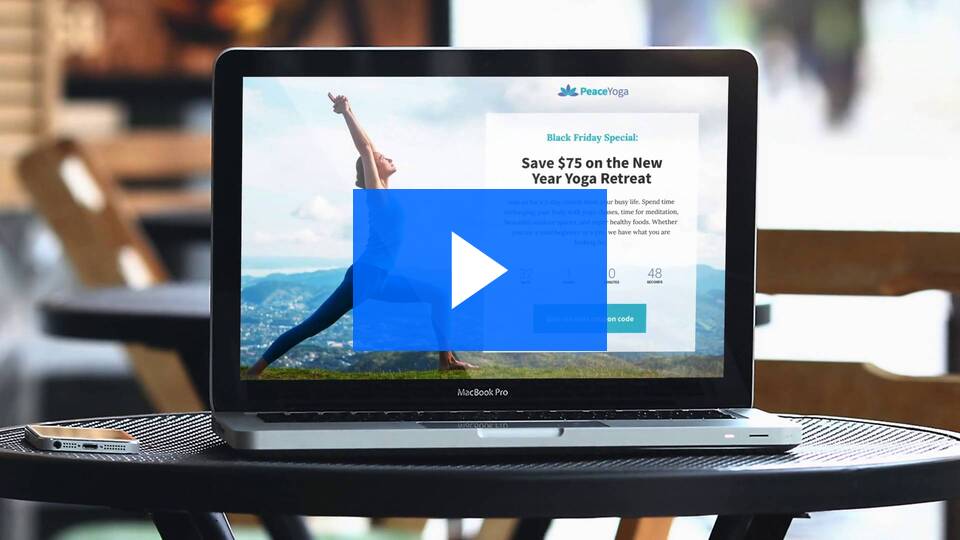
Free 14-Day Trial: Get Started Now for Free
Today, we will discuss…
Leadpages is an exciting software that allows you to bring your ideas to reality quickly.
This software helps you create unlimited and various types of landing pages quickly so you can focus on spreading the word about your business, product, or service.
Whether you have a traditional brick and mortar business or a work from home business, Leadpages could be a great resource for your toolbox.
And now, you can try it with a 14-day free trial.
This software was created by Leadpages.com.
If you have been looking at developing your marketing strategy lately and have been researching about landing pages, chances are you have come across Leadpages.
The online software company was built in 2012 to provide web landing pages and opt-in forms for a variety of customers.
It is considered an industry thought leader for the marketing niche because it makes the entire process of creating successful landing pages easier.
Not only does the company provide easy to use templates that are mobile-friendly, but it also has an easy to use drag-and-drop customization so all the text and images can be organized according to the best design.
It also provides A/B testing and analytics to optimize the landing pages to be congruous with the audience’s preferences.
With Leadpages, customers can seamlessly integrate the opt-in forms and landing pages across multiple domains. It works well with WordPress sites as a plugin to create an unlimited number of landing pages.
These landing pages are perfect to gather leads for webinars, to create product launches, sales pages, and even thank-you pages.
Customers don’t even need to buy multiple accounts for each website. With one account, you can use the templates and page builders for all of your sites and the websites in the line of your business (such as client sites).
The pricing starts at $27.00 per month for the Standard plan. This is perfect for the solopreneur or home business. It includes unlimited mobile-responsive pages, unlimited traffic and leads, with over 160 templates, Popup forms with tools and platforms.
The Pro plan is $59 per month with all the Standard plan features included. In addition, it also has the A/B split testing, text-to-opt-in codes, and 1-click signup links. This works better for professional marketers and small businesses. It also has an Advanced plan the company developed for marketing teams and agencies.
There is a Leadpages 14-day free trial where you can test any of the plans for 14 days.
Why should you use Leadpages?
There are a ton of incredible benefits for those using the company for their landing pages, but here are the top five!
The biggest benefit by far is the ability to create professional-looking landing pages.
Creating a high converting landing page can be difficult even for experienced marketers. In their survey, Leadpages found that 61.2% of respondents felt the “biggest barrier to making a landing page is creating the content, designing the page, or crafting the offer.”
Many simply use the pages that come with the email services simply because they are focused on email automation instead of the actual process of collecting those leads.
Often this can lead to the forms looking unprofessional and will deliver poor results. Even using other opt-in plugins can be difficult to integrate into the blogs or web content.
However, with the free templates and easy integration onto your website, you can create landing pages that convert like the bigger businesses. These are great for creating lead collection landing pages, sales pages for your products or services and even event registration.
All the landing page designs are made to be mobile responsive and with 80% of internet users accessing information from their smartphone, having fast mobile responsiveness is an absolute must.
Another incredible benefit of this company is how it will integrate the leads you have collected into the marketing and sales applications you already have.
It is integrated or compatible with marketing applications in:
There is even a list online of all the tools they integrate with. If you aren’t sure if the app you use is integrated, you can check out the Integration page on the website.
Typically, when you hear that a company is giving templates it seems like one of those cheap bonuses that they are trying to pass off as something special.
But with this company, they actually are something special. There is an extensive library of landing page templates that can help make you look like a big business that has a whole team working on landing pages.
However, the best part about the templates is that they are already sorted by what converts the best in the industry.
In order to lead your customers down the sales funnel, you need your visitors to convert into subscribers and buyers. However, only 22% of businesses are content with their conversion rates.
A/B testing allows the company to improve those conversion rates because you can test to determine whether your marketing strategy is aligned with your business goals. Even incremental gains in conversion will provide huge improvements in the long run. The images, button copy, and even the guarantee can boost your opt-in rates up to 48.32% so it is important to test these features to determine which works best for your audience.
If you aren’t sure how to run split testing, the company also provides blogs and tutorials that can help you decide.
Aside from the templates and the easy integration with all the leading marketing applications, it has also become incredibly easy to use because of the new Drag-and-Drop landing page builder.
If you are looking to add a countdown timer for your event, change the location of the call to action or even add videos or images to a page, this feature will allow you to adjust the page layout. You can use this with the templates they have already created or build your own.
This customization feature will allow you to add new elements to the different areas on your pages, add entire sections or elements to shift the information flow in a matter of minutes. And as always, whatever you decide to change on the page, it will still be mobile responsive and look amazing on any device.
Now that we have covered the benefits of using Leadpages, let’s discuss the Leadpages free trial.
Start your free 14-day trial – click here.
Now you have the opportunity to try out Leadpages software before you purchase. You can try Leadpages for free for 14 days. Even if you don’t have a lot of spare time, you could get started with Leadpages and create a bunch of landing pages in 14 days because it takes hardly any time at all.
Even if you only created one page a day, in the end, you would have tested by creating 14 pages. You will feel like an expert at using Leadpages by then.
And will probably wish you had found it sooner.
Once you create your first landing page, you will be impressed by how simple and easy the whole process.
And guess what?
It will only get easier and simpler as you create more pages and learn more about the software.
Start your 14-day free trial today.
Watch the demo now and get started with Leadpages.
In summary, we discussed…
You should now have a better understanding of Leadpages landing page software. You also know how to get started with the Leadpages free trial.
Get started with Leadpages today and take advantage of the 14-day free trial before it goes away.
Then you can start creating great landing pages and websites for your business in minutes.
Kartra and Leadpages both help you grow your business online fast. But they serve different purposes, so the choice really depends on you.Kartra is an
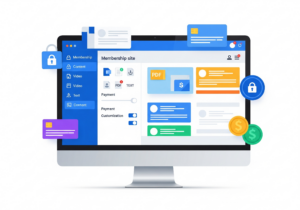
A membership site gives content only to people who sign up first. It’s great for courses, training, digital products, or private communities. You control who
Kartra is an all-in-one platform made for online businesses. It helps you build, launch, and grow your business from one place. You don’t need ten